
Datasheet4U Logo Datasheet4U.com

KV138DA - (KV130A - KV139DA) Manual

Download the KV138DA datasheet PDF. This datasheet also covers the KV130A variant, as both devices belong to the same (kv130a - kv139da) manual family and are provided as variant models within a single manufacturer datasheet.

Features

  • 2.3 The Rear Panel Illustrated 2.4 Cable Requirements 2.5 Equipment Requirements Installation and Preconfiguration 3.1 Quick Setup Guide 3.2 Guidelines for Using the ServSwitch Affinity with Your Equipment . . 3.2.1 CPUs 3.2.2 Mouse and Keyboard 3.2.3 Monitor 3.3 Installation Procedure 3.3.1 Placement 3.3.2 Setting and Installing Cards 3.3.3 Rackmounting (Optional) 3.3.4 Connecting the Monitors, Keyboards, and Mice 3.3.5 Connecting CPUs.

📥 Download Datasheet

Note: The manufacturer provides a single datasheet file (KV130A-BlackBox.pdf) that lists specifications for multiple related part numbers.

Datasheet Details

Part number KV138DA
Manufacturer Black Box
File Size 1.87 MB
Description (KV130A - KV139DA) Manual
Datasheet download datasheet KV138DA Datasheet

Full PDF Text Transcription

Click to expand full text
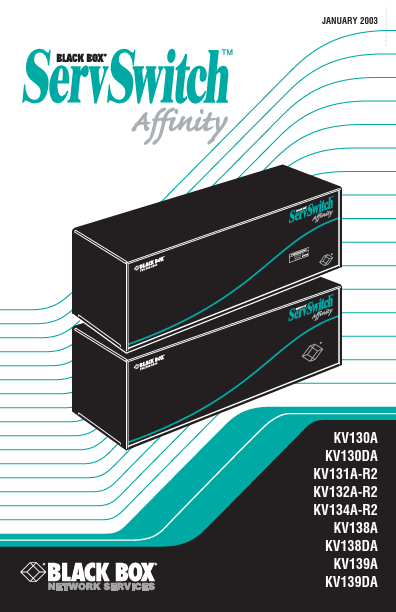
JANUARY 2003 KV130A KV130DA KV131A-R2 KV132A-R2 KV134A-R2 KV138A KV138DA KV139A KV139DA Free Datasheet http://www.datasheetlist.com/ THE SERVSWITCH™ FAMILY Welcome to the ServSwitchTM Family! Thank you for purchasing a BLACK BOX® ServSwitch™ Brand KVM switch! We appreciate your business, and we think you’ll appreciate the many ways that your new ServSwitch keyboard/video/mouse switch will save you money, time, and effort. That’s because our ServSwitch family is all about breaking away from the traditional, expensive model of computer management. You know, the one-sizefits-all-even-if-it-doesn’t model that says, “One computer gets one user station, no more, no less.
Published: |