


Datasheet4U Logo Datasheet4U.com

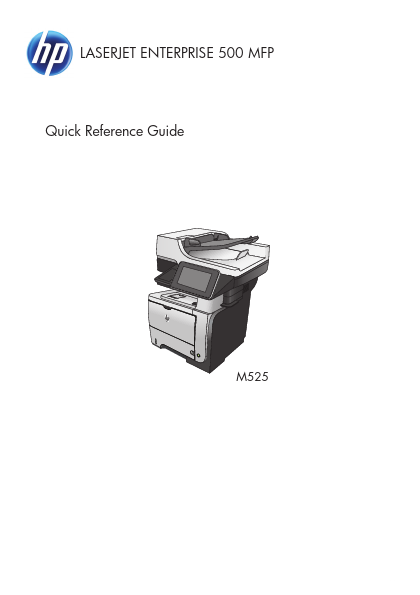
M525DN - LASERJET ENTERPRISE 500 MFP

Key Features

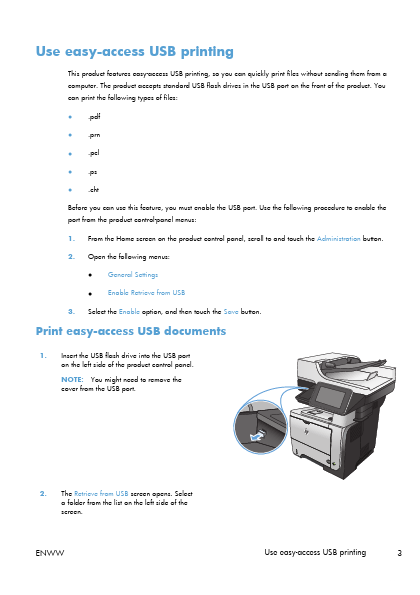
  • easy-access USB printing, so you can quickly print files without sending them from a computer. The product accepts standard USB flash drives in the USB port on the front of the product. You can print the following types of files:.
  • . pdf . prn . pcl . ps . cht Before you can use this feature, you must enable the USB port. Use the following procedure to enable the port from the product control-panel menus: 1. 2. From the Home screen on the product control panel, scroll to.

📥 Download Datasheet

Datasheet Details

Part number M525DN
Manufacturer HP
File Size 5.49 MB
Description LASERJET ENTERPRISE 500 MFP
Datasheet download datasheet M525DN Datasheet

Full PDF Text Transcription (Reference)

The following content is an automatically extracted verbatim text from the original manufacturer datasheet and is provided for reference purposes only.

View original datasheet text
LASERJET ENTERPRISE 500 MFP Quick Reference Guide http://www.DataSheet4U.net/ 2 M525 datasheet pdf - http://www.DataSheet4U.net/ Print a stored job Use the following procedure to print a job that is stored in the product memory. 1. From the Home screen on the product control panel, scroll to and touch the Retrieve from Device Memory button. 2. 3. 4. Select the name of the folder where the job is stored. Select the name of the job. If the job is private or encrypted, enter the PIN or password. Adjust the number of copies, and then touch the Start button to print the job. h t t p : / / w w w . D a t a S h e e t 4 U .