

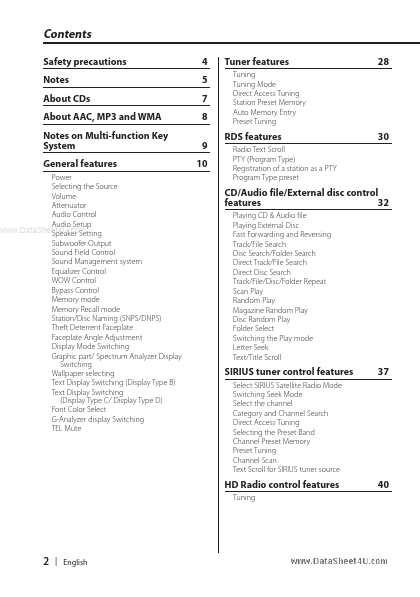
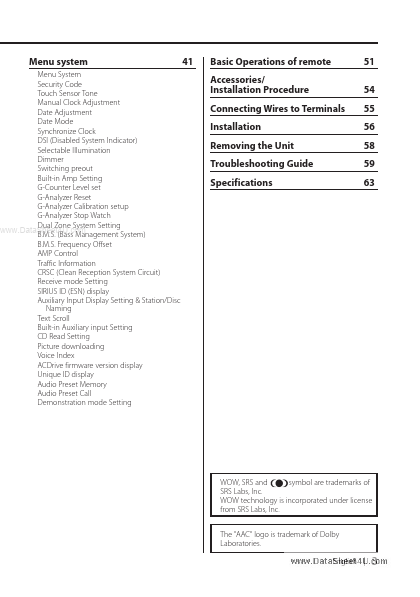
Power Selecting the Source Volume Attenuator Audio Control Audio Setup www. DataSheet4U. com Speaker Setting Subwoofer Output Sound Field Control Sound Management system Equalizer Control WOW Control Bypass Control Memory mode Memory Recall mode Station/Disc Naming (SNPS/DNPS) Theft Deterrent Faceplate Faceplate Angle Adjustment Display Mode Switching Graphic part/ Spectrum Analyzer Display Switching Wallpaper selecting Text Display Switching (Display Type B) Text Display Switching (Display Type C.
Full PDF Text Transcription for KDC-X889 (Reference)
Note: Below is a high-fidelity text extraction (approx. 800 characters) for
KDC-X889. For precise diagrams, and layout, please refer to the original PDF.
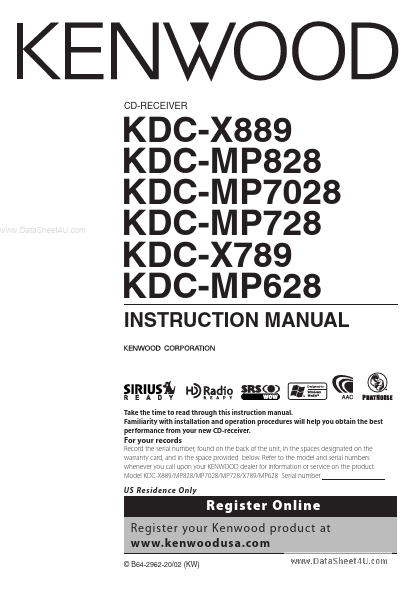
CD-RECEIVER www.DataSheet4U.com KDC-X889 KDC-MP828 KDC-MP7028 KDC-MP728 KDC-X789 KDC-MP628 INSTRUCTION MANUAL Take the time to read through this instruction manual. Famil...
View more extracted text
ON MANUAL Take the time to read through this instruction manual. Familiarity with installation and operation procedures will help you obtain the best performance from your new CD-receiver. For your records Record the serial number, found on the back of the unit, in the spaces designated on the warranty card, and in the space provided below. Refer to the model and serial numbers whenever you call upon your KENWOOD dealer for information or service on the product. Model KDC-X889/MP828/MP7028/MP728/X789/MP628 Serial number US Residence Only Register Online Register your Kenwood product at www.kenwoodusa.