

DH16NS10 Description
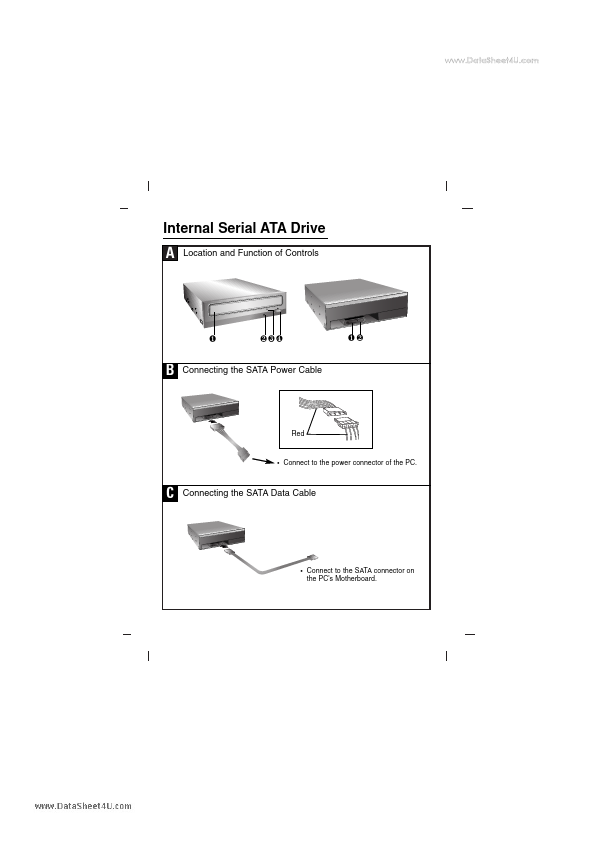
Internal Serial ATA Drive A Location and Function of Controls ❶ ❷❸ ❹ ❶❷ B Connecting the SATA Power Cable Red Connect to the power connector of the PC. C Connecting the SATA Data Cable Connect to the SATA connector on the PC's Motherboard.
DH16NS10 Key Features
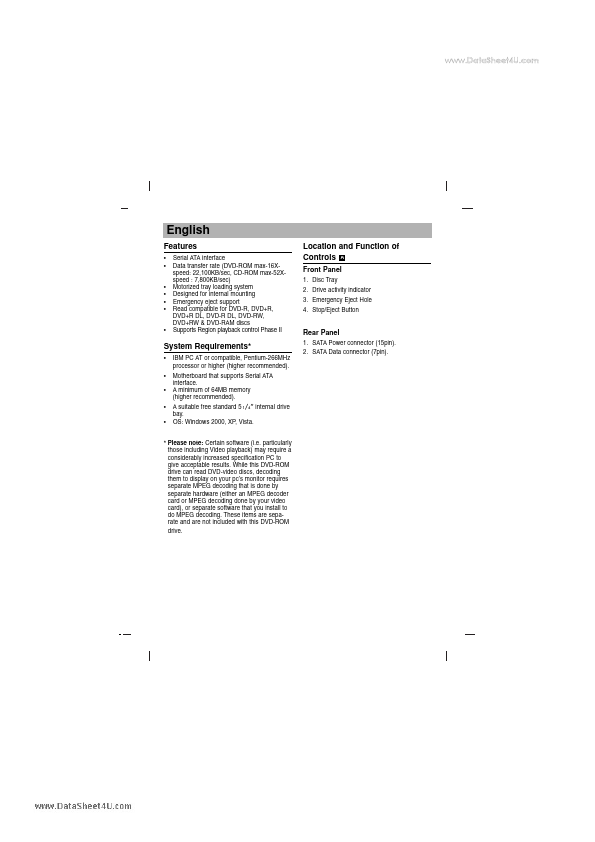
- Serial ATA interface Data transfer rate (DVD-ROM max-16Xspeed: 22,100KB/sec, CD-ROM max-52Xspeed : 7,800KB/sec) Motorize
- Rear Panel
- IBM PC AT or patible, Pentium-266MHz processor or higher (higher remended). Motherboard that supports Serial ATA interfa
- Please note: Certain software (i.e. particularly those including Video playback) may require a considerably increased sp
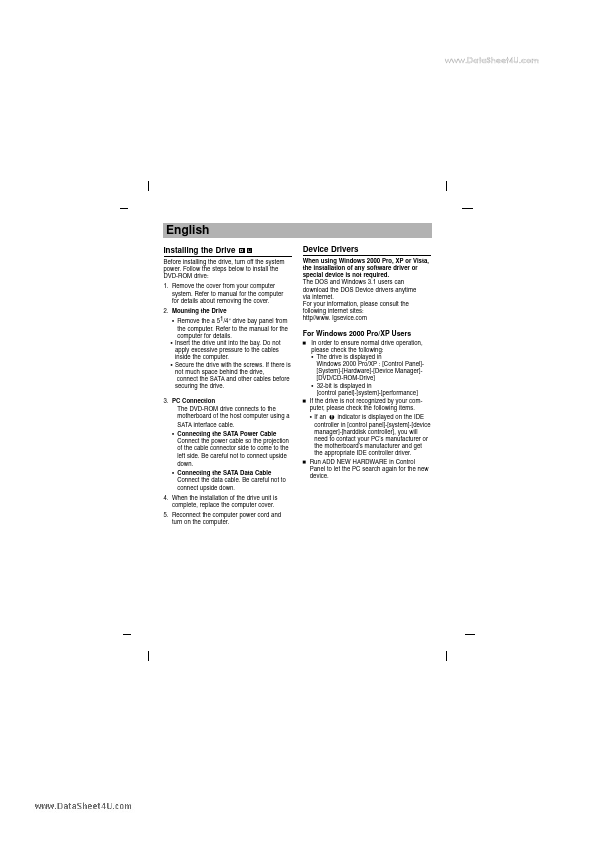
- Remove the a 51/4″ drive bay panel from the puter. Refer to the manual for the puter for details
- Insert the drive unit into the bay. Do not apply excessive pressure to the cables inside the puter
- Secure the drive with the screws. If there is not much space behind the drive, connect the SATA and other cables before
- Connecting the SATA Power Cable Connect the power cable so the projection of the cable connector side to e to the left s
- Connecting the SATA Data Cable Connect the data cable. B