Datasheet4U Logo Datasheet4U.com

55PP9501 - User Manual

Features

  • menu 16.

📥 Download Datasheet

Datasheet preview – 55PP9501
Other Datasheets by Philips

Full PDF Text Transcription

Click to expand full text
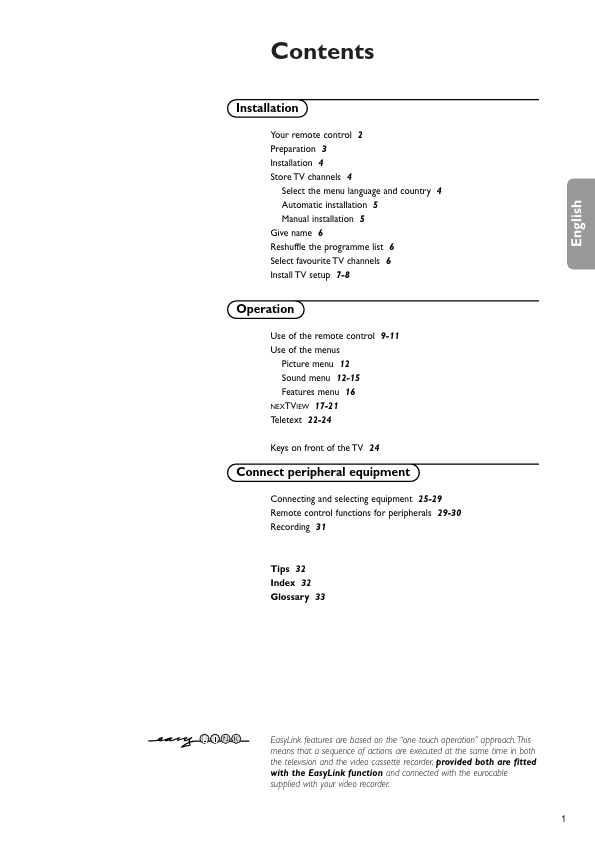
Contents Installation Your remote control 2 Preparation 3 Installation 4 Store TV channels 4 Select the menu language and country 4 Automatic installation 5 Manual installation 5 Give name 6 Reshuffle the programme list 6 Select favourite TV channels 6 Install TV setup 7-8 Operation Use of the remote control 9-11 Use of the menus Picture menu 12 Sound menu 12-15 Features menu 16 NEXTVIEW 17-21 Teletext 22-24 Keys on front of the TV 24 Connect peripheral equipment Connecting and selecting equipment 25-29 Remote control functions for peripherals 29-30 Recording 31 Tips 32 Index 32 Glossary 33 EasyLink features are based on the “one touch operation” approach.
Published: |