
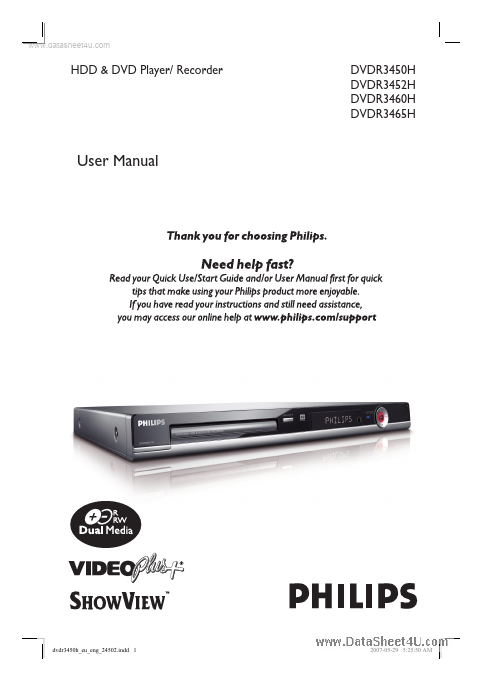
DVDR3450H Description
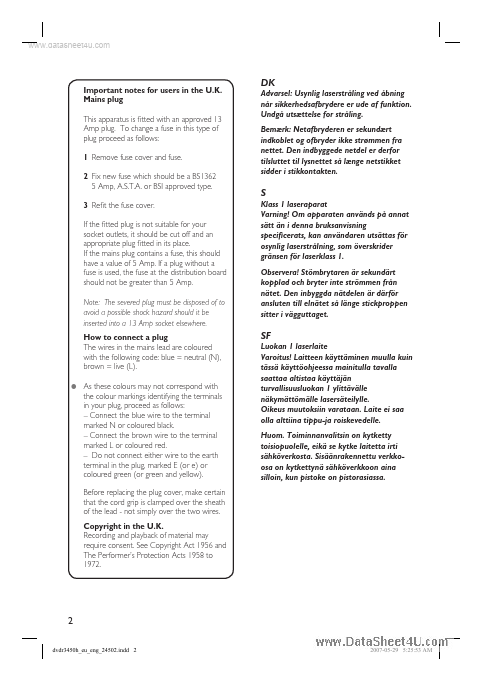
Important notes for users in the U.K. Mains plug This apparatus is fitted with an approved 13 Amp plug. To change a fuse in this type of plug proceed as follows:.

DVDR3450H is (DVDR34xxH) User Manual manufactured by Philips Semiconductors.
| Part Number | Description |
|---|---|
| DVDR3452H | (DVDR34xxH) User Manual |
| DVDR3460H | (DVDR34xxH) User Manual |
| DVDR3465H | (DVDR34xxH) User Manual |
| DVDR3380 | DVD Player / Recorder User Manual |
| DVDR3380-50 | DVD-Video Recorder Service Manual |
Important notes for users in the U.K. Mains plug This apparatus is fitted with an approved 13 Amp plug. To change a fuse in this type of plug proceed as follows:.