

Datasheet4U Logo Datasheet4U.com

DNA100 Datasheet Digital Network Adapter

Manufacturer: Ring Communications

Datasheet Details

Part number DNA100
Manufacturer Ring Communications
File Size 305.30 KB
Description Digital Network Adapter
Datasheet download datasheet DNA100 Datasheet

General Description

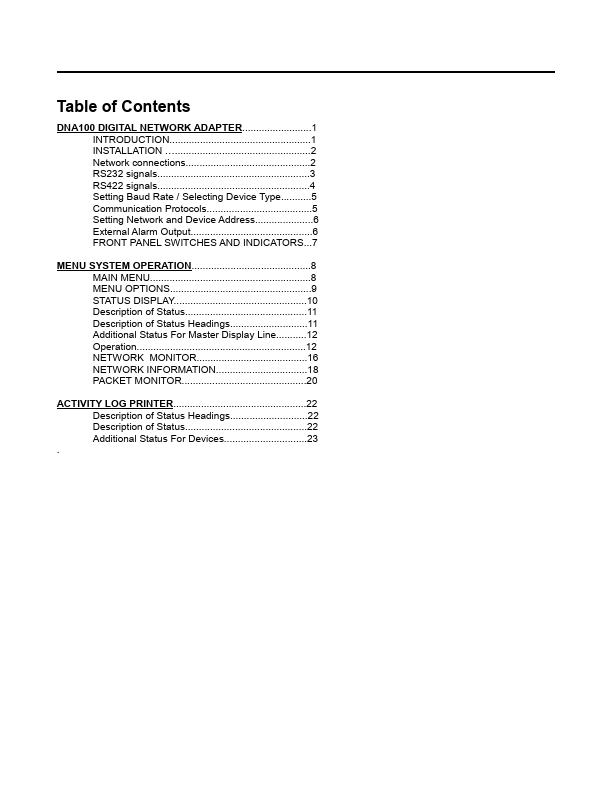
of Status............................................11 Description of Status Headings............................11 Additional Status For Master Display Line...........12 Operation.............................................................12 NETWORK MONITOR........................................16 NETWORK INFORMATION.................................18 PACKET MONITOR.............................................20 ACTIVITY LOG PRINTER................................................22 Description of Status Headings............................22 Description of Status............................................22 Additional Status For Devices..............................23 .

www.DataSheet.net/ Datasheet pdf - http://www.DataSheet4U.co.kr/ www.DataSheet.net/ Datasheet pdf - http://www.DataSheet4U.co.kr/ April 2012 Digital N

Overview

DNA100 Digital Network Adapter www.DataSheet.net/ Ring Communications Inc.

Datasheet pdf - http://www.DataSheet4U.co.kr/ www.DataSheet.net/ Datasheet pdf - http://www.DataSheet4U.co.kr/ Table of Contents DNA100 DIGITAL NETWORK ADAPTER.........................1 INTRODUCTION...................................................1 INSTALLATION ….................................................2 Network connections.............................................2 RS232 signals.......................................................3 RS422 signals.......................................................4 Setting Baud Rate / Selecting Device Type...........5 Communication Protocols......................................5 Setting Network and Device Address.....................6 External Alarm Output............................................6 FRONT PANEL SWITCHES AND INDICATORS...7 MENU SYSTEM OPERATION...........................................8 MAIN MENU..........................................................8 MENU OPTIONS...................................................9 STATUS DISPLAY................................................