

Datasheet4U Logo Datasheet4U.com

DVD-V12000MC - Instruction Manual

Features

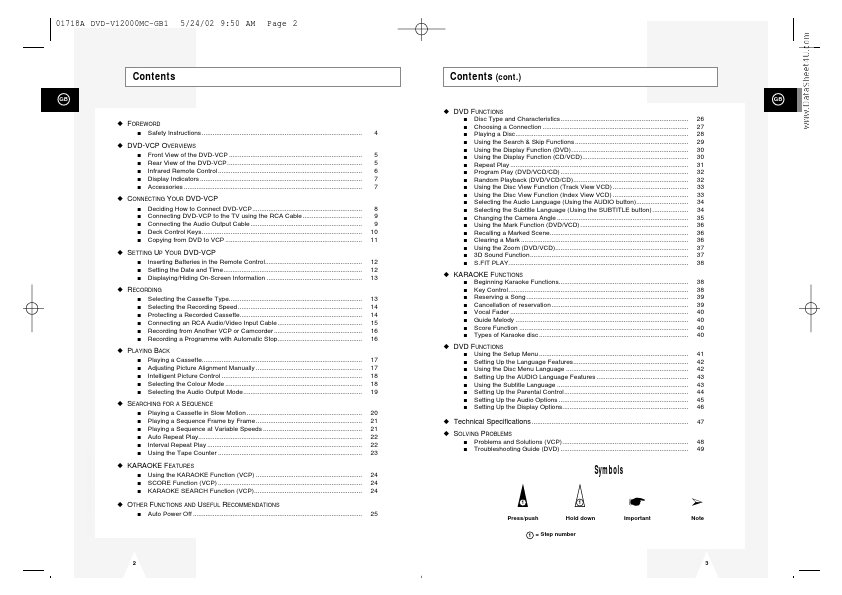
  • Using the Disc Menu Language Setting Up the AUDIO Language Features Using the Subtitle Language Setting Up the Parental Control Setting Up the Audio Options Setting Up the Display Options 26 27 28 29 30 30 31 32 32 33 33 34 34 35 36 36 36 37 37 38 38 38 39 39 40 40 40 40 41 42 42 43 43 44 45 46 47 48 49 x.

📥 Download Datasheet

Datasheet preview – DVD-V12000MC
Other Datasheets by Samsung

Full PDF Text Transcription

Click to expand full text
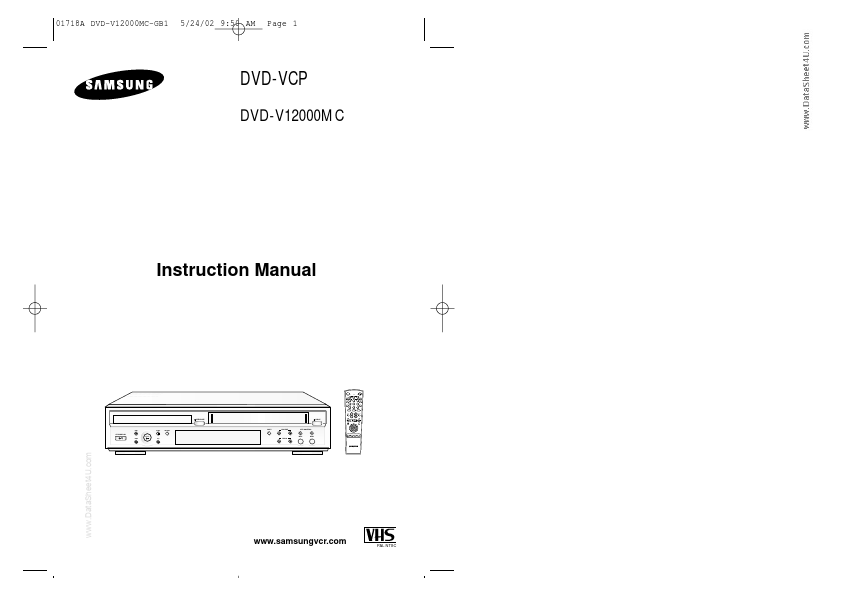
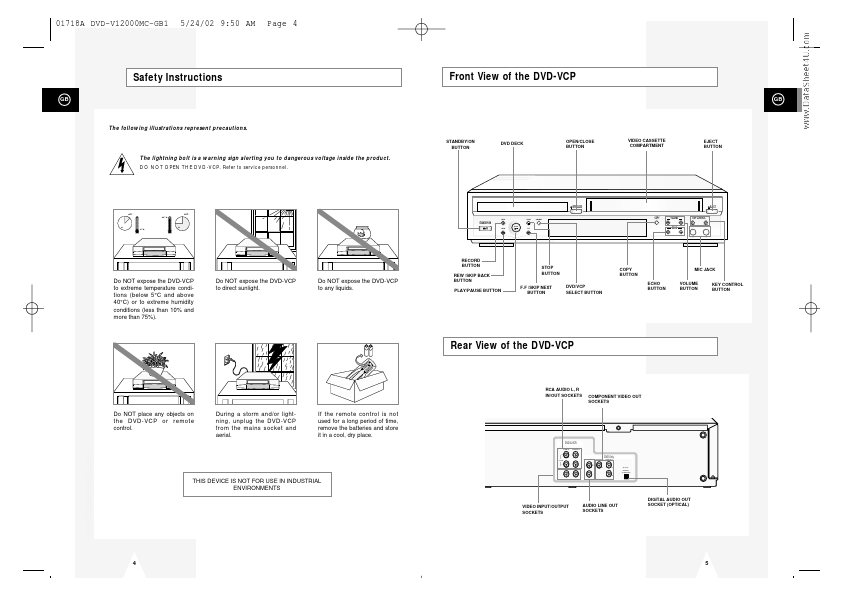
01718A DVD-V12000MC-GB1 5/24/02 9:50 AM Page 1 DVD-VCP DVD-V12000MC Instruction Manual STANDBY/ON OPEN/CLOSE TRK- AUTO TRK+ 2 ZOOM SHUTTLE SPEED MODE REPEAT STEP 3D SOUND F.ADV 3 DISPLAY 4 7 5 8 0 6 9 CLOCK/ COUNTER CLEAR S.FIT DVD TV VIEW VCP ANGLE + VOLUME ECHO KARAOKE - OPEN/CLOSE EJECT REC DISC MENU SETUP /ENTER REC STOP PLAY SELECT COPY VOLUME KEY CONTROL TITLE SUBTITLE AUDIO RETURN MARK STANDBY/ON REW F.F ECHO MIC1 MIC2 KARAOKE SEARCH www.DataSheet4U.com www.samsungvcr.com PAL PAL NTSC 01718A DVD-V12000MC-GB1 5/24/02 9:50 AM Page 2 Contents GB Contents (cont.) GB x DVD FUNCTIONS x FOREWORD s s s Safety Instructions .........................................................................................
Published: |