

Datasheet4U Logo Datasheet4U.com

S16A100N - Monitor User Manual

Key Features

  • urs with the product, you must unplug the power plug.

📥 Download Datasheet

Full PDF Text Transcription (Reference)

The following content is an automatically extracted verbatim text from the original manufacturer datasheet and is provided for reference purposes only.

View original datasheet text
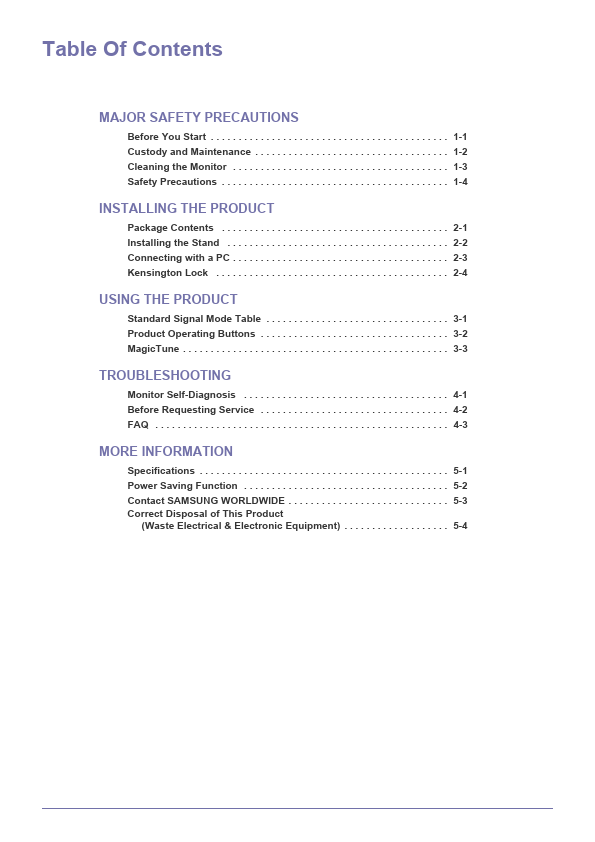
SyncMaster S16A100N/S19A100N/S22A100N Monitor User Manual The color and the appearance may differ depending on the product, and the specifications are subject to change without prior notice to improve the performance. Table Of Contents MAJOR SAFETY PRECAUTIONS Before You Start . . . . . . . . . . . . . . . . . . . . . . . . . . . . . . . . . . . . . . . . . . . 1-1 Custody and Maintenance . . . . . . . . . . . . . . . . . . . . . . . . . . . . . . . . . . . 1-2 Cleaning the Monitor . . . . . . . . . . . . . . . . . . . . . . . . . . . . . . . . . . . . . . . 1-3 Safety Precautions . . . . . . . . . . . . . . . . . . . . . . . . . . . . . . . . . . . . . . . . . 1-4 INSTALLING THE PRODUCT Package Contents . . . . . . . . . . . . . . . . . . . . . . . . . . . . . . . . . . . . . . . . .