

Datasheet4U Logo Datasheet4U.com

MHC-W550 Datasheet Mini Hi-Fi Component System Operating Instructions Manual

Manufacturer: Sony Semiconductor Solutions

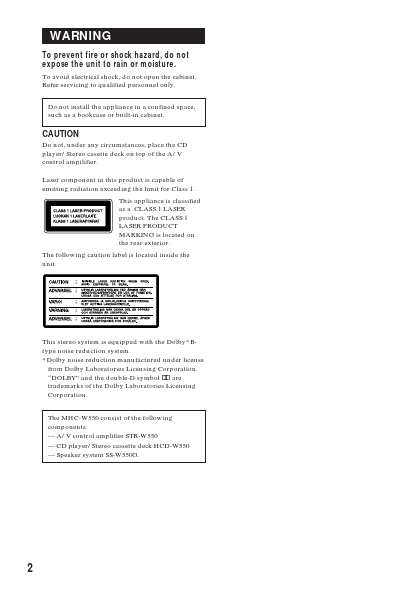
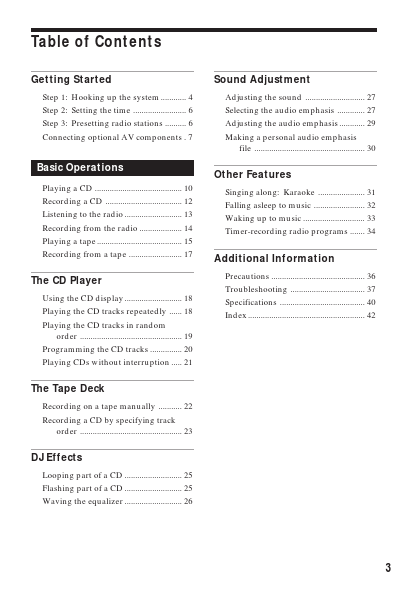
Overview: 3-860-776-11(1) Mini Hi-Fi Component System Operating Instructions f MHC-W550 ©1997 by Sony Corporation WARNING To prevent fire or shock hazard, do not expose the unit to rain or moisture. To avoid electrical shock, do not open the cabinet. Refer servicing to qualified personnel only. Do not install the appliance in a confined space, such as a bookcase or built-in cabinet. CAUTION Do not, under any circumstances, place the CD player/Stereo casette deck on top of the A/V control ampilifier. Laser component in this product is capable of emitting radiation exceeding the limit for Class 1. This appliance is classified as a CLASS 1 LASER product. The CLASS 1 LASER PRODUCT MARKING is located on the rear exterior. The following caution label is located inside the unit. This stereo system is equipped with the Dolby* Btype noise reduction system. * Dolby noise reduction manufactured under license from Dolby Laboratories Licensing Corporation. “DOLBY” and the double-D symbol a are trademarks of the Dolby Laboratories Licensing Corporation. The MHC-W550 consist of the following components: — A/V control amplifier STR-W550 — CD player/Stereo cassette deck HCD-W550 — Speaker system SS-W550G. 2 Table of Contents Getting Started Sound Adjustment Step 1: Hooking up the system ............ 4 Step 2: Setting the time ......................... 6 Step 3: Presetting radio stations .......... 6 Connecting optional AV components . 7 Adjusting the sound ............................ 27 Selecting the audio emphasis ............. 27 Adjusting the audio emphasis ............ 29 Making a personal audio emphasis file ....................................................

Key Features

  • Playing a CD 10 Recording a CD 12 Listening to the radio 13 Recording from the radio 14 Playing a tape 15 Singing along: Karaoke 31 Falling asleep to music 32 Waking up to music 33 Timer-recording radio programs 34 EN Recording from a tape 17 Additional Information The CD Player Using the CD display 18 Playing the CD tracks repeatedly 18 Playing the CD tracks in random order 19 Programming the CD tracks 20 Playing CDs without interruption 21 Precautions 36 Troubleshooting.