pH-Sensor
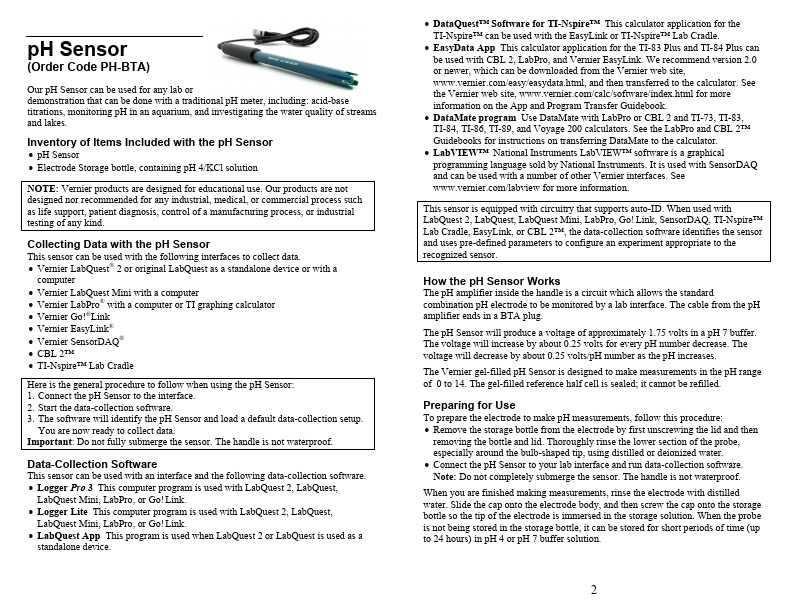
pH-Sensor is pH Sensor manufactured by Vernier.
p H Sensor
(Order Code PH-BTA)
Our p H Sensor can be used for any lab or demonstration that can be done with a traditional p H meter, including: acid-base titrations, monitoring p H in an aquarium, and investigating the water quality of streams and lakes.
Inventory of Items Included with the p H Sensor
- p H Sensor
- Electrode Storage bottle, containing p H 4/KCl solution
NOTE: Vernier products are designed for educational use. Our products are not designed nor remended for any industrial, medical, or mercial process such as life support, patient diagnosis, control of a manufacturing process, or industrial testing of any kind.
Collecting Data with the p H Sensor This sensor can be used with the following interfaces to collect data.
- Vernier Lab Quest® 2 or original Lab Quest as a standalone device or with a puter
- Vernier Lab Quest Mini with a puter
- Vernier Lab Pro® with a puter or TI graphing calculator
- Vernier Go!®Link
- Vernier Easy Link®
- Vernier Sensor DAQ®
- CBL 2™
- TI-Nspire™ Lab Cradle
Here is the general procedure to follow when using the p H Sensor: 1. Connect the p H Sensor to the interface. 2. Start the data-collection software. 3. The software will identify the p H Sensor and load a default data-collection setup.
You are now ready to collect data. Important: Do not fully submerge the sensor. The handle is not waterproof.
Data-Collection Software This sensor can be used with an interface and the following data-collection software.
- Logger Pro 3 This puter program is used with Lab Quest 2, Lab Quest,
Lab Quest Mini, Lab Pro, or Go! Link.
- Logger Lite This puter program is used with Lab Quest 2, Lab Quest,
Lab Quest Mini, Lab Pro, or Go! Link.
- Lab Quest App This program is used when Lab Quest 2 or Lab Quest is used as a standalone device.
- Data Quest™ Software for TI-Nspire™ This calculator application for the TI-Nspire™ can be used with the Easy Link or TI-Nspire™ Lab Cradle.
- Easy Data App This calculator application for the TI-83 Plus and TI-84 Plus can be used with...