T15A2
T15A2 is COLOR TFT LCD manufactured by ACER.
w
LCD MODULE S a at .D SPECIFICATION w w e e h
U 4 t m o .c
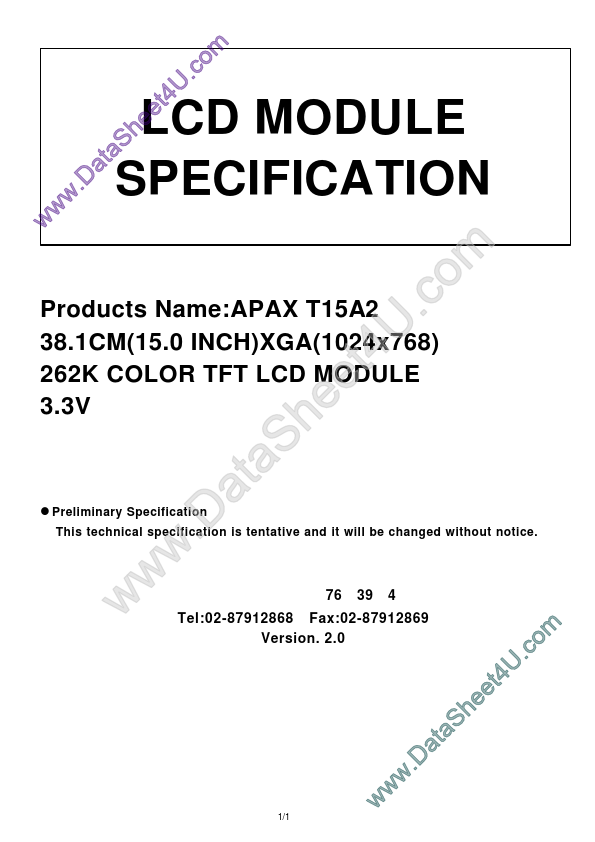
Products Name:APAX T15A2 38.1CM(15.0 INCH)XGA(1024x768) 262K COLOR TFT LCD MODULE 3.3V l Preliminary Specification
This technical specification is tentative and it will be changed without notice. w w w t a .D
S a e h
U 4 t e
.c m o
¶iª÷- ͹ê- ~ªÑ- ÷¦³--¤½- q Fax:02-87912869
- x
- _
- « ¤ º ´ ò ° Ï
- ç
- ú76«Ñ ¸ ô 39¸¹ 4¼Ó Tel:02-87912868 Version. 2.0
1/1 w w w
.D a
S a t e e h
U 4 t m o .c i Contents
1.0 Handling Precautions 2.0 General Description
2.1 Display Characteristics 2.2 Functional Block Diagram 2.3 Optical Characteristics 2.4 Pixel format image
3.0 Electrical characteristics
3.1 Absolute Maximum...