M201UN02-V6
M201UN02-V6 is LCD manufactured by AU Optronics.
- Part of the M201UN02_V6 comparator family.
- Part of the M201UN02_V6 comparator family.
..net
M201UN02 V.6
Product Specification
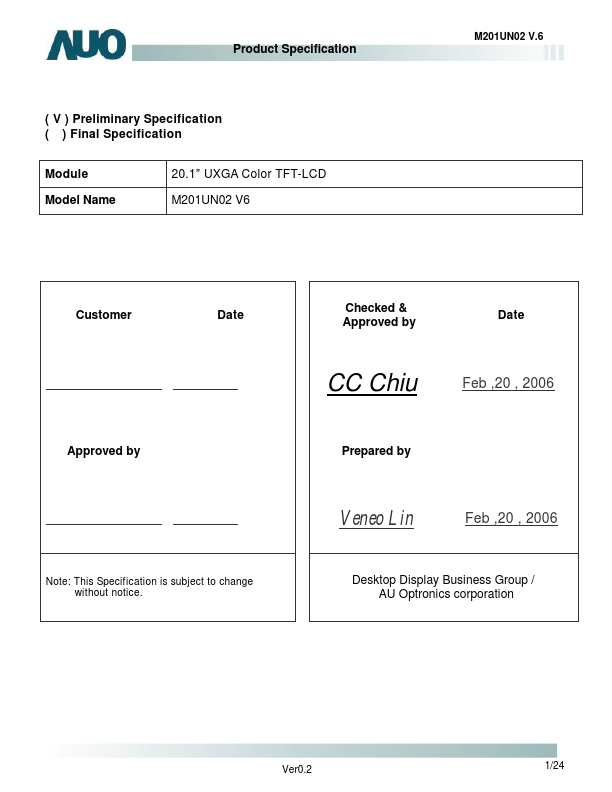
( V ) Preliminary Specification ( ) Final Specification Module Model Name 20.1” UXGA Color TFT-LCD M201UN02 V6
Customer
Date
Checked & Approved by
Date
CC Chiu
Approved by Prepared by
Feb ,20 , 2006
Veneo Lin
Note: This Specification is subject to change without notice.
Feb ,20 , 2006
Desktop Display Business Group / AU Optronics corporation
Ver0.2
1/24
..net
M201UN02 V.6
Product Specification i Contents ii Record of Revision 1.0 Handling Precautions 2.0 General Description
2.1 Display Characteristics 2.2 Functional Block Diagram 2.3 Optical Characteristics 2.4 Pixel format image
3.0 Electrical...