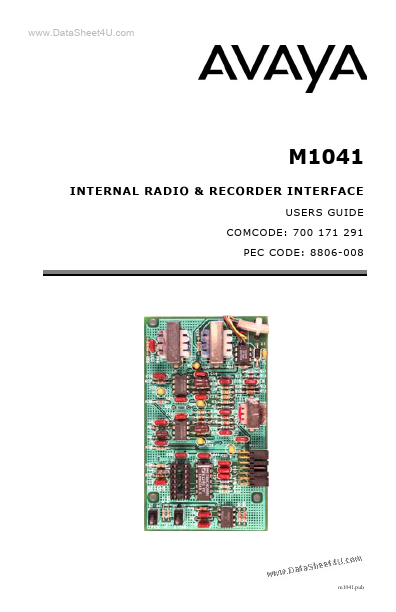
DESCRIPTION
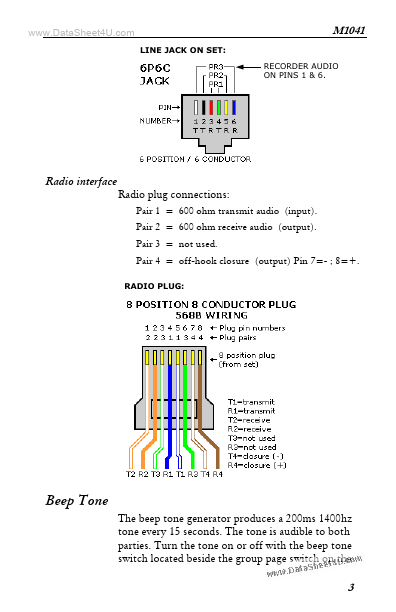
A cable with an 8-pin plug has been added to the set to connect the set to the radio. The M1041 provides record audio with handset, speakerphone and radio interface use. Beep tone notification can be activated by an option switch. Operation The M1041 works with the headset feature. The bottom right button on the 4424 set must be programmed for the “autodial inside” feature. This provides a busy indication when the set is in use. When the LED associated with this button is illuminated, and the handset and speakerphone are not in use, the M1041 activates audio transmission on the radio plug. It provides a short as an off-hook indication, and also provides beep tone and record audio. Program 2 other unused feature buttons for headset hang-up and headset status. Headset hang up requires centralized programming. When the handset or speakerphone is used, the M1041 provides beep tone and record audio only. Connections Recorder audio The set uses a 6-pin RJ-25 type line jack. Recorder audio is transformer coupled to pair 3 of the jack.