Datasheet4U Logo Datasheet4U.com

GX520 - OptiPlex User Guide

Description

The computer chassis with the chassis intrusion feature installed and enabled has been opened or the chassis intrusion alert has been cleared.

The processor temperature is too hot and the power supply has shut down.

Features

  • Dell™ OptiPlex™ GX520 User's Guide   LegacySelect Technology Control   Manageability   Security   Password Protection   System Setup   Booting to a USB Device   Clearing Forgotten Passwords   Clearing CMOS Settings   Hyper-Threading   Power Management  LegacySelect Technology Control LegacySelect technology control offers legacy-full, legacy-reduced, or legacy-free solutions based on common platforms, hard-drive images, and help desk procedures.  Control is provided to the administrator through .

📥 Download Datasheet

Datasheet Details

Part number GX520
Manufacturer Dell
File Size 5.09 MB
Description OptiPlex User Guide
Datasheet download datasheet GX520 Datasheet

Full PDF Text Transcription

Click to expand full text
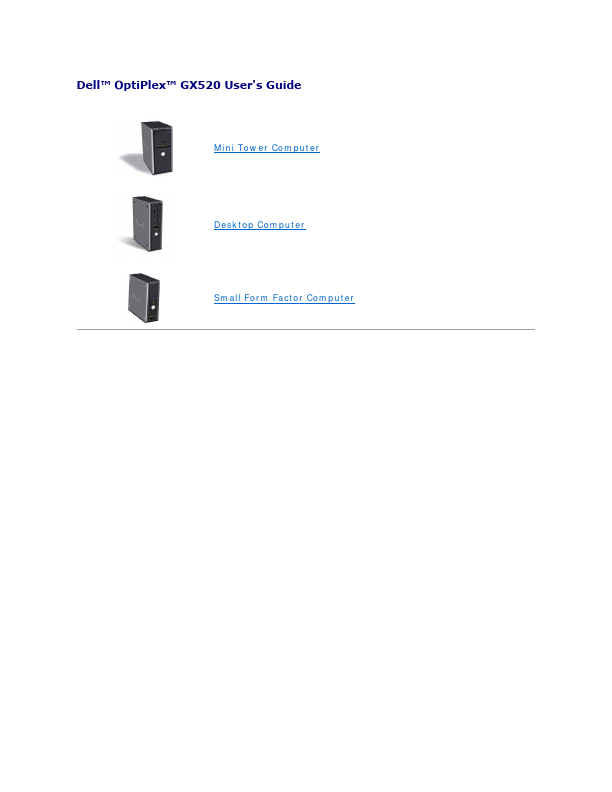
Dell™ OptiPlex™ GX520 User's Guide    Mini Tower Computer  Desktop Computer  Small Form Factor Computer   Back to Contents Page   Advanced Features Dell™ OptiPlex™ GX520 User's Guide   LegacySelect Technology Control   Manageability   Security   Password Protection   System Setup   Booting to a USB Device   Clearing Forgotten Passwords   Clearing CMOS Settings   Hyper-Threading   Power Management  LegacySelect Technology Control LegacySelect technology control offers legacy-full, legacy-reduced, or legacy-free solutions based on common platforms, hard-drive images, and help desk procedures. Control is provided to the administrator through system setup, Dell OpenManage™ IT Assistant, or Dell custom factory integration.
Published: |