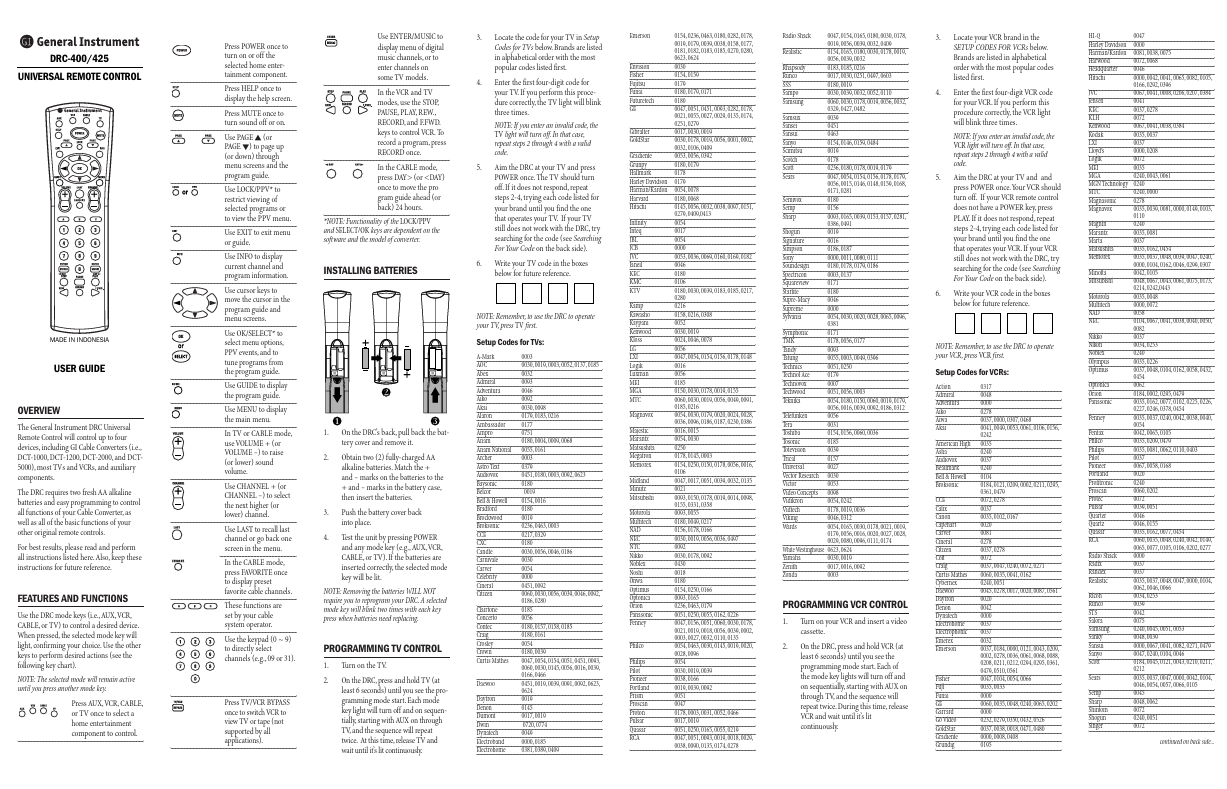
General Instrument DRC-400
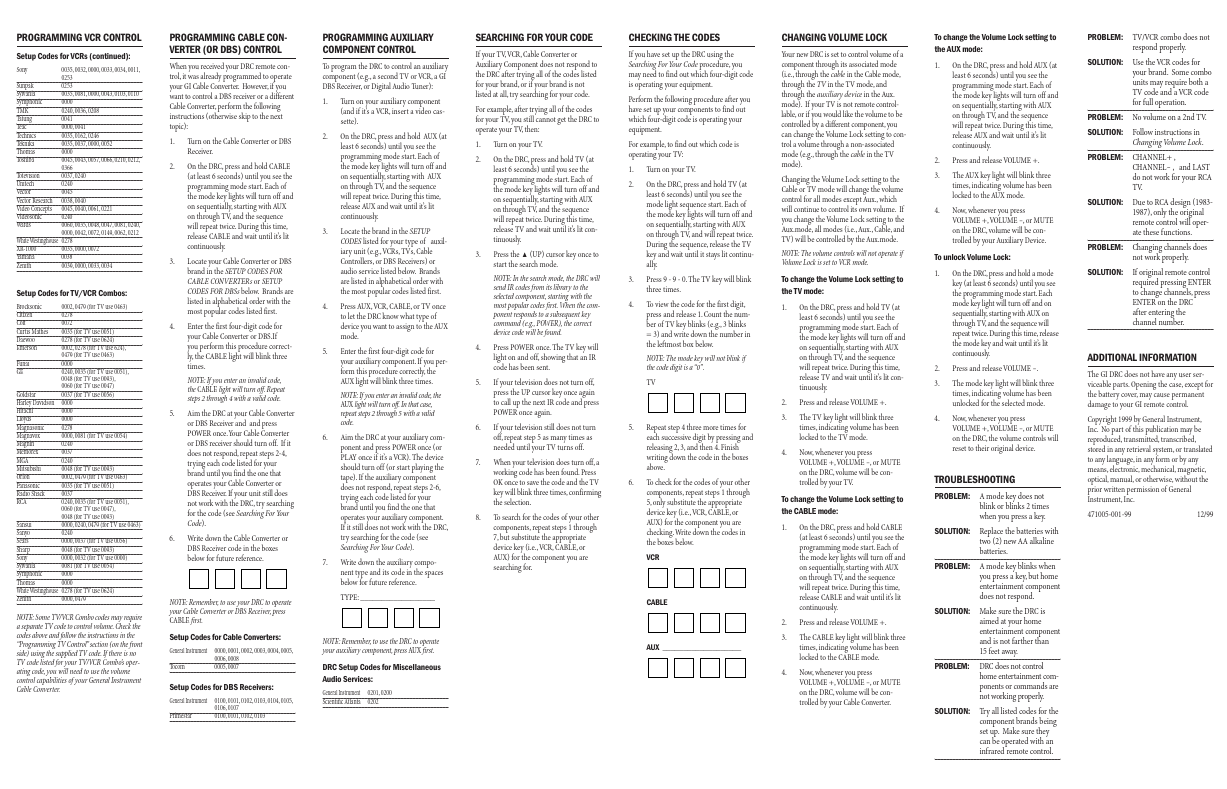
The General Instrument DRC Universal Remote Control will control up to four devices, including GI Cable Converters (i.e., DCT-1000, DCT-1200, DCT-2000, and DCT5000), most TVs and VCRs, and auxiliary components. The DRC requires two fresh AA alkaline batteries and easy programming to control all functions of your Cable Converter, as well as all of the basic functions of your other original remote controls.
| Part No. |
DRC-400 |
| Datasheet |
DRC-400
Download
|
| Manufacturer |
General Instrument |
| Description |
UNIVERSAL REMOTE CONTROL Users Guide |
| Buy |
Stock & Price
|
FEATURES
AND FUNCTIONS Use the DRC mode keys (i.e.,AUX,VCR, CABLE, or TV) to control a desired device. When pressed, the selected mode key will light, confirming your choice. Use the other keys to perform desired actions (see the following key chart). NOTE: The selected mode will remain active until you press another mode key. Press AUX,VCR, CABLE, or TV once to select a home entertainment component to control. Press POWER once to turn on or off the selected home entertainment component. Press HELP once to display the help screen. Press MUTE once to turn sound off or on. Use PAGE s (or PAGE t) to page up (or down) through menu screens and the program guide. Use LOCK/PPV* to restrict viewing of selected programs or to view the PPV menu. Use EXIT to exit menu or guide. Use INFO to display current channel and program information. Use cursor keys to move the cursor in the program guide and menu screens. Use OK/SELECT* to select menu options, PPV events, and to tune programs from the program guide.