CE664A
CE664A is User Guide manufactured by HP.
HP Color Laser Jet CM6030 and CM6040 MFP Series
User Guide
..net
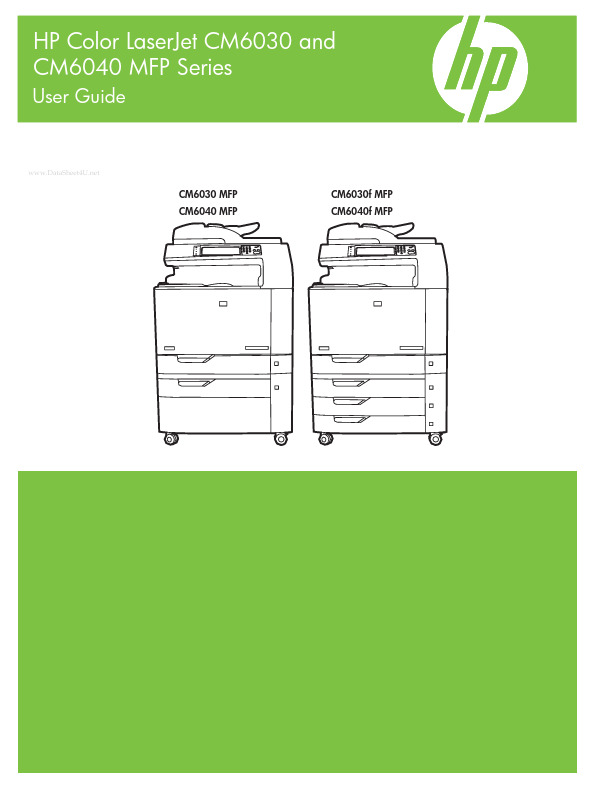
CM6030 MFP CM6040 MFP
CM6030f MFP CM6040f MFP
HP Color Laser Jet CM6030 and CM6040 MFP Series
User Guide
Copyright and License © 2008 Copyright Hewlett-Packard Development pany, L.P. Reproduction, adaptation, or translation without prior written permission is prohibited, except as allowed under the copyright laws. The information contained herein is subject to change without notice. The only warranties for HP products and services are set forth in the express warranty statements acpanying such products and services. Nothing herein should be construed as constituting an additional warranty. HP shall not be liable for technical or editorial errors or omissions contained herein. Part number: Q3938-90967 Edition 2, 06/2009
Trademark Credits Adobe®, Acrobat®, and Post Script® are trademarks of Adobe Systems Incorporated. Corel® is a trademark or registered trademark of Corel Corporation or Corel Corporation Limited. Microsoft®, Windows®, and Windows NT® are U.S. registered trademarks of Microsoft Corporation. Windows Vista™ is either a registered trademark or trademark of Microsoft Corporation in the United States and/or other countries. PANTONE® is Pantone, Inc's checkstandard trademark for color. UNIX® is a registered trademark of The Open Group. ENERGY STAR® and the ENERGY STAR logo® are U.S. registered marks of the United States Environmental Protection Agency.
Table of contents
1 Product basics Product parison ............................................................................................................................. 2 Product Features
................................................................................................................................... 4 Quick Reference Job Aids .................................................................................................................... 7 Product walkaround ..................................