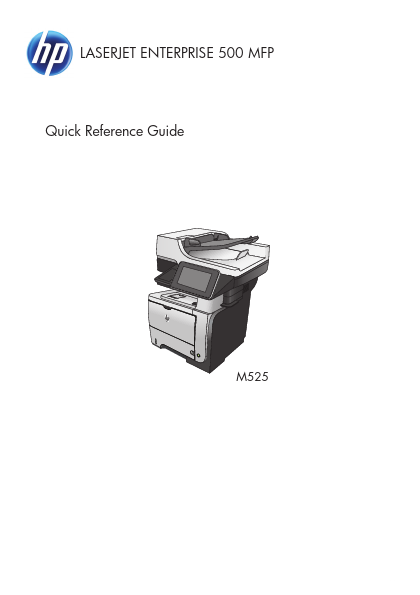
M525DN
Key Features
- 2. From the Home screen on the product control panel, scroll to and touch the Administration button. Open the following menus
- http://..net/
- h t t p : / / w w w . D a t a S h e e t 4 U . n e t / 4 Quick Reference Guide ENWW d a t a s h e e Collate a copy job
- From the Home screen on the product control panel, touch the Copy button
- Touch the Collate button. http://..net/ ENWW Collate a copy job 5 datasheet pdf
- http://..net/
- Touch the Collate on (Sets in page order) option. Touch the OK button
- Load the original documents into the document feeder with the first page facing up, and with the top of the page leading
- Adjust the paper guides to fit the size of the document. http://..net/
- http://..net/