Datasheet4U Logo Datasheet4U.com

OC200 - Orthoceph Service Program Manual

Datasheet Summary

Description

If the unit is switched off while a program is still running, the settings may not be stored.

8.

Press (and hold for five seconds) OK to enter back to normal operating mode.

Features

  • shown herein, or discontinue the product described at any time without notice or obligation. Contact your Instrumentarium Dental representative for the most current information. Manufactured by Instrumentarium Dental Nahkelantie 160 (P. O. Box 20) FI-04300 Tuusula.

📥 Download Datasheet

Datasheet preview – OC200

Datasheet Details

Part number OC200
Manufacturer Instrumentarium
File Size 536.15 KB
Description Orthoceph Service Program Manual
Datasheet download datasheet OC200 Datasheet
Additional preview pages of the OC200 datasheet.
Other Datasheets by Instrumentarium

Full PDF Text Transcription

Click to expand full text
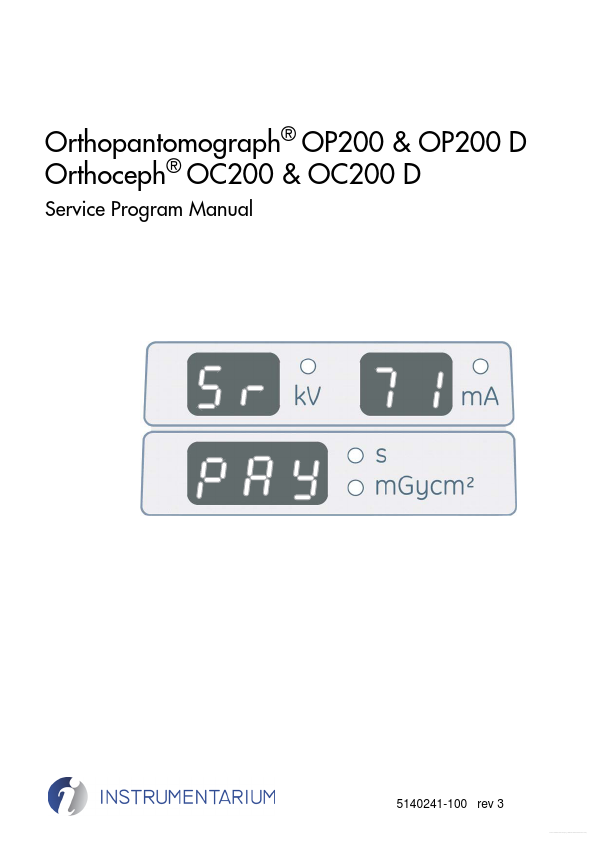
Orthopantomograph® OP200 & OP200 D Orthoceph® OC200 & OC200 D Service Program Manual 5140241-100 rev 3 Free Datasheet http://www.datasheet4u.net/ Free Datasheet http://www.datasheet4u.net/ Copyright Code: 5140241-100 rev 3 Date: 15 May 2008 Document code: D500293 rev 3 Copyright © 05/2008 by PaloDEx Group Oy. All rights reserved. Orthopantomograph® and Orthoceph® are registered trademarks of Instrumentarium Dental. U.S. patents 4,641,336; 5,016,264; 5,425,065, 5,444,754, 6,731,717 and 6,829,326. German patent 4,344,745. Finnish patents 112594 and 114383. Windows® is trademark of Microsoft Corporation in the United States of America and other countries. Pentium® is a registered trademark of Intel Corporation. Iomega® Jaz® is a registered trademark of Iomega Corp.
Published: |