JVC GR-D290
Digital Video Camera
| Part No. | GR-D290 |
|---|---|
| Datasheet | GR-D290 Download |
| Manufacturer |  JVC JVC |
| Description | Digital Video Camera |
| Buy | Stock & Price |
FEATURES
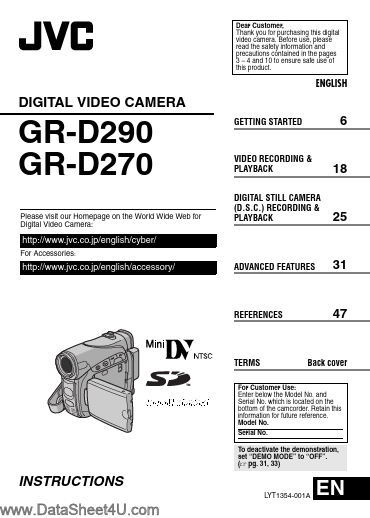
31 REFERENCES 47 TERMS Back cover For Customer Use: Enter below the Model No. and Serial No. which is located on the bottom of the camcorder. Retain this information for future reference. Model No. Serial No. To deactivate the demonstration, set “DEMO MODE” to “OFF”. (੬ pg. 31, 33) INSTRUCTIONS LYT1354-001A EN 2 EN MajorFEATURES
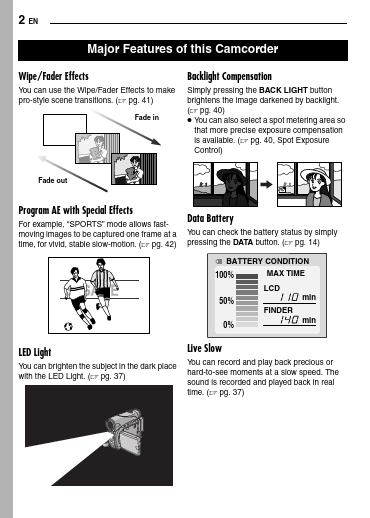
of this Camcorder Wipe/Fader Effects You can use the Wipe/Fader Effects to make pro-style scene transitions. (੬ pg. 41) Fade in Backlight Compensation Simply pressing the BACK LIGHT button brightens the image darkened by backlight. (੬ pg. 40)● You can also select a spot metering area so that more precise exposure compensation is available. (੬ pg. 40, Spot Exposure Control) Fade out Program AE with Special Effects For example, “SPORTS” mode allows fastmoving images to be captured one frame at a time, for vivid, stable slow-motion. (੬ pg. 42) Data Battery You can check the battery status by simply pressing the DATA button. (੬ pg. 14) BATTERY CONDITION 100% 50% MAX TIME LCD min FINDER min 0% LED Light You can brighten the subject in the dark place with the LED Light. (੬ pg.