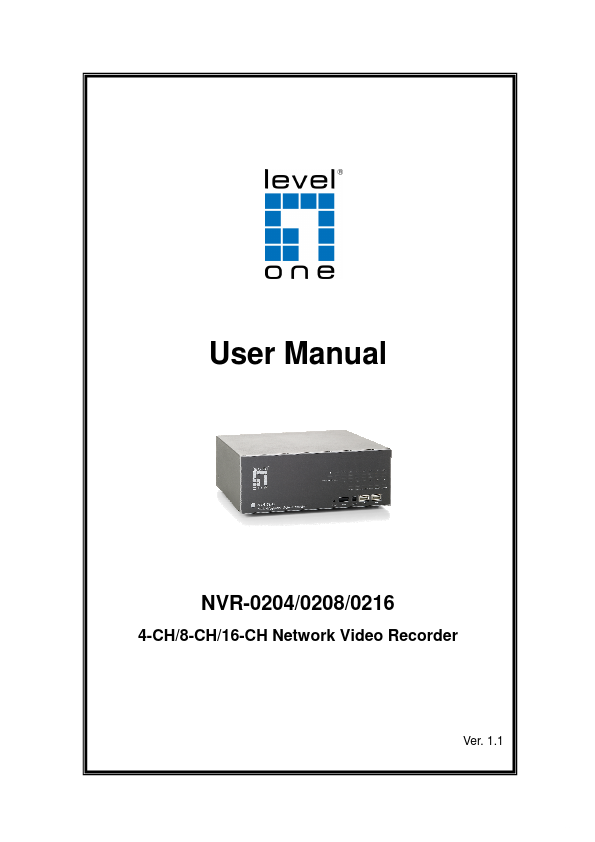
LevelOne NVR-0216
This document is intended for general information purposes only, and due care has been taken in its preparation.| Part No. | NVR-0216 |
|---|---|
| Datasheet | NVR-0216 Download |
| Manufacturer | LevelOne |
| Description | 4-CH/8-CH/16-CH Network Video Recorder |
| Buy | Stock & Price |
DESCRIPTION
Hardware Illustration I/O Ports and RS-485 LEDs Definition Install Hard Disk Connect to the NVR 1. Live View 1.1 Retrieve camera’s video stream 1.2 Retrieve camera’s status 1.3 Perform Sequence Viewing 1.4 PTZ Control 1.5 Perform PTZ Preset Viewing 1.6 Live Video Control Buttons 1.7 Change Web UI Display Language 2. Playback 2.1 Methods to Search Playback Videos 2.2 Export Playback Videos to AVI Files 3. System Setup 3.1 System Configurations 3.1.1 Network Settings 3.1.2 Time and Date 3.1.3 User Account 3.1.4 Group Privilege 3.1.5 Disk Setup 3.2 Channel Configurations 3.2.1 Add a Camera 3.2.2 OSD Settings 3.2.3 PTZ Preset Settings 3.2.4 PTZ Preset Sequence 3.2.5 E-Map Monitor 3.3 Event Configurations 3.3.1 General Settings 3.3.2 I/O Settings 3.3.3 Event Servers 3.3.4 Event Triggers 3.4 Recording Configurations 3.4.1 General Settings 3.4.2 Schedule Recording 3.5 System Options 3.5.1 Device Information 3.5.2 Logs and Reports 3.5.3 Maintenance Reboot the NVR Reset the NVR to F...