MBI1801
MBI1801 is High Power LED Driver manufactured by Macroblock.
Features
- Constant output current invariant to supply and load voltage change
- Maximum output constant current: 1.2A
- Output current adjusted through an external resistor
- Built-in thermal protection
- 5V supply voltage
- Ro HS-pliant package
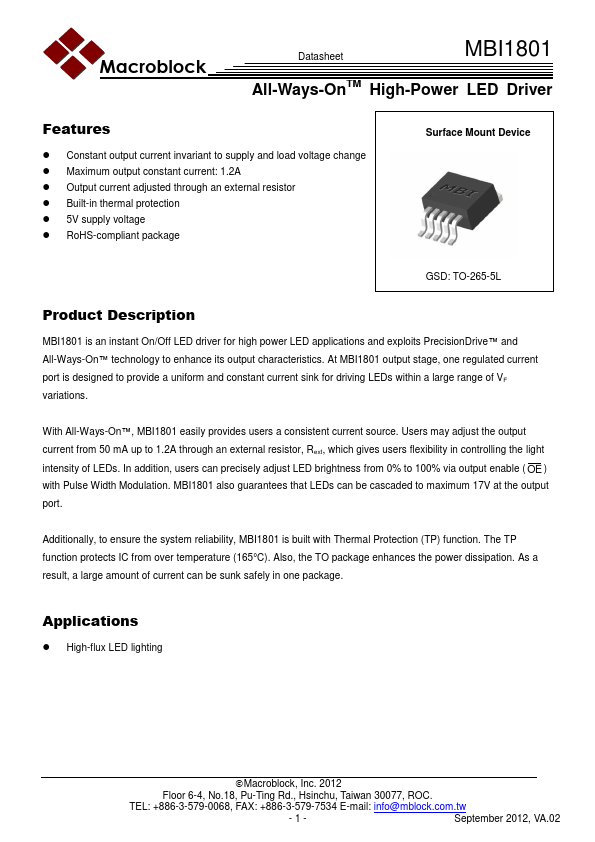
Surface Mount Device
GSD: TO-265-5L
Product Description
MBI1801 is an instant On/Off LED driver for high power LED applications and exploits Precision Drive™ and All-Ways-On™ technology to enhance its output characteristics. At MBI1801 output stage, one regulated current port is designed to provide a uniform and constant current sink for driving LEDs within a large range of VF variations.
With All-Ways-On™, MBI1801 easily provides users a consistent current source. Users may adjust the output current from 50 m A up to 1.2A through an external resistor, Rext, which gives users flexibility in controlling the light intensity of LEDs. In addition, users can precisely adjust LED brightness from 0% to 100% via output enable ( OE ) with Pulse Width Modulation. MBI1801 also guarantees that LEDs can be cascaded to maximum 17V at the output port.
Additionally, to ensure the system reliability, MBI1801 is built with Thermal Protection (TP) function. The TP function protects IC from over temperature (165°C). Also, the TO package enhances the power dissipation. As a result, a large amount of current can be sunk safely in one package.
Applications
- High-flux LED lighting
Macroblock, Inc. 2012 Floor 6-4, No.18, Pu-Ting Rd., Hsinchu, Taiwan 30077, ROC. TEL: +886-3-579-0068, FAX: +886-3-579-7534 E-mail: info@mblock..tw
- 1
- September 2012, VA.02
All-Ways-On TM High-Power LED Driver
Function Block Diagram
R-EXT
IO Regulator
OE Figure 1
1 switch
Thermal Sensor
Pin Configuration
Thermal Pad
MBI1801 1 2 3 45 OE VDD GND R-EXT OUT
MBI1801GSD
Pin Descrption
Pin Name
Function
Output enable terminal
When OE is active (low), the output is OE enabled; when OE is inactive (high), the output is turned OFF...