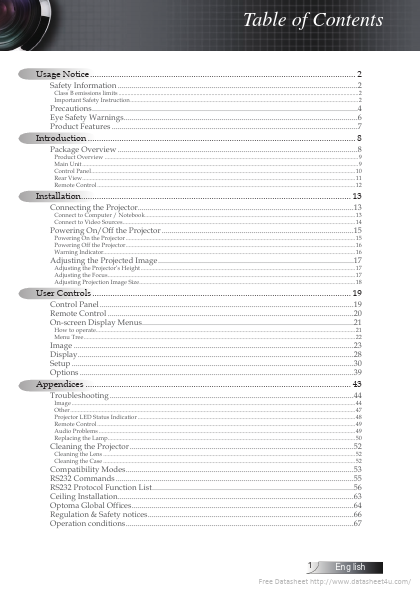
Class B emissions limits2 Important Safety Instruction2
Introduction 8
Package Overview8
Product Overview 9 Main Unit9 Control Panel10 Rear View11 Remote Control12
Installation. 13
Connecting the Projector. 13 Powering On/Off the Projector15 Adjusting the Projected Image17
Connect to Computer / Notebook13 Connect to Video Sources14 Powering On the Projector15 Powering Off the Projector16 Warning Indicator16
Adjusting the Projector’s Height17 Adjusting the Focus17 18 Adjusting Projection Ima.
The following content is an automatically extracted verbatim text
from the original manufacturer datasheet and is provided for reference purposes only.
View original datasheet text
Table of Contents
Usage Notice....................................................................................................................... 2
Safety Information.........................................................................................................................2 Precautions. .....................................................................................................................................4 Eye Safety Warnings. .....................................................................................................................6 Product Features............................................................................................................................7
Class B emissions limits.....................................................