KX-TS500MX
Features
1-A Location of controls
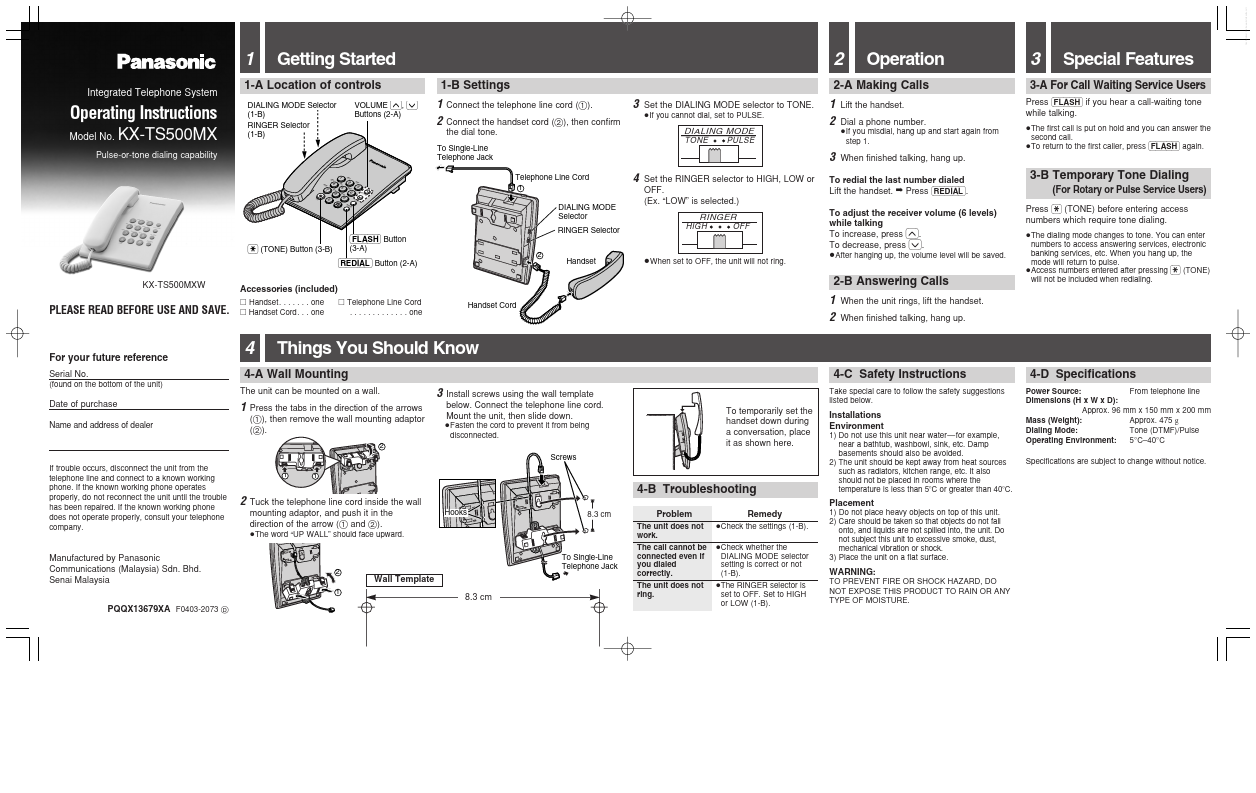
DIALING MODE Selector (1-B) RINGER Selector (1-B)
2-A Making Calls 1 2 3
Telephone Line Cord
3-A For Call Waiting Service Users
Press (FLASH) if you hear a call-waiting tone while talking.
≥The first call is put on hold and you can answer the second call. ≥To return to the first caller, press (FLASH) again.
Operating Instructions
Model No.
Lift the handset. Dial a phone number.
≥If you misdial, hang up and start again from step 1.
TONE
PULSE
Pulse-or-tone dialing capability
GH PQ RS
To Single-Line Telephone Jack
I JK L AB C DEF
When finished talking, hang up.
TU V
MN O
TO NE
WXY Z
VO LU ME
DIALING MODE Selector RINGER Selector
Set the RINGER selector to HIGH, LOW or OFF. (Ex. “LOW” is selected.)
RINGER
To redial the last number dialed Lift the handset. ➡ Press (REDIAL). To adjust the receiver volume (6 levels) while talking To increase, press (^). To decrease, press (_). ≥After...