Datasheet4U Logo Datasheet4U.com

NV-HS820 - Video Cassette Recorder Operating Instructions

Features

  • Y/C signal separation, set the [Normal/S-Video Output] switch on the rear panel to [S-VIDEO OUT] so that you can play back with high picture quality and use a fully-wired 21-pin Scart cable (not supplied) to connect the VCR to the TV. 5 Preset Download (To Simultaneously Set Up this VCR with a New TV) First of all, make sure that the VCR is switched off. Switch the TV on. The TV starts to tune all available TV stations and to adjust the clock. When the TV has finished its own auto setup, the.

📥 Download Datasheet

Datasheet preview – NV-HS820

Datasheet Details

Part number NV-HS820
Manufacturer Panasonic
File Size 1.04 MB
Description Video Cassette Recorder Operating Instructions
Datasheet download datasheet NV-HS820 Datasheet
Additional preview pages of the NV-HS820 datasheet.
Other Datasheets by Panasonic

Full PDF Text Transcription

Click to expand full text
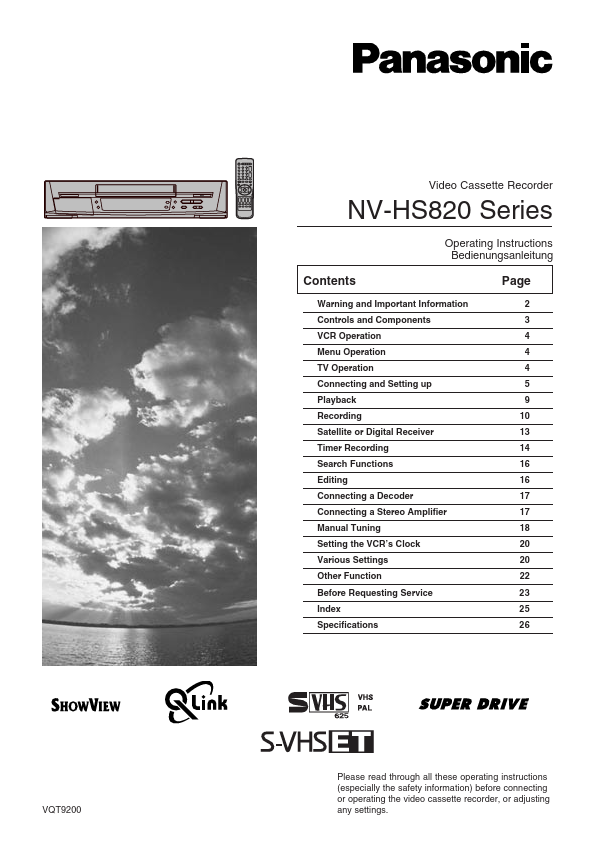
VQT9200 Video Cassette Recorder NV-HS820 Series Operating Instructions Bedienungsanleitung Contents Page Warning and Important Information Controls and Components VCR Operation Menu Operation TV Operation Connecting and Setting up Playback Recording Satellite or Digital Receiver Timer Recording Search Functions Editing Connecting a Decoder Connecting a Stereo Amplifier Manual Tuning Setting the VCR’s Clock Various Settings Other Function Before Requesting Service Index Specifications 2 3 4 4 4 5 9 10 13 14 16 16 17 17 18 20 20 22 23 25 26 Please read through all these operating instructions (especially the safety information) before connecting or operating the video cassette recorder, or adjusting any settings.
Published: |