Datasheet4U Logo Datasheet4U.com

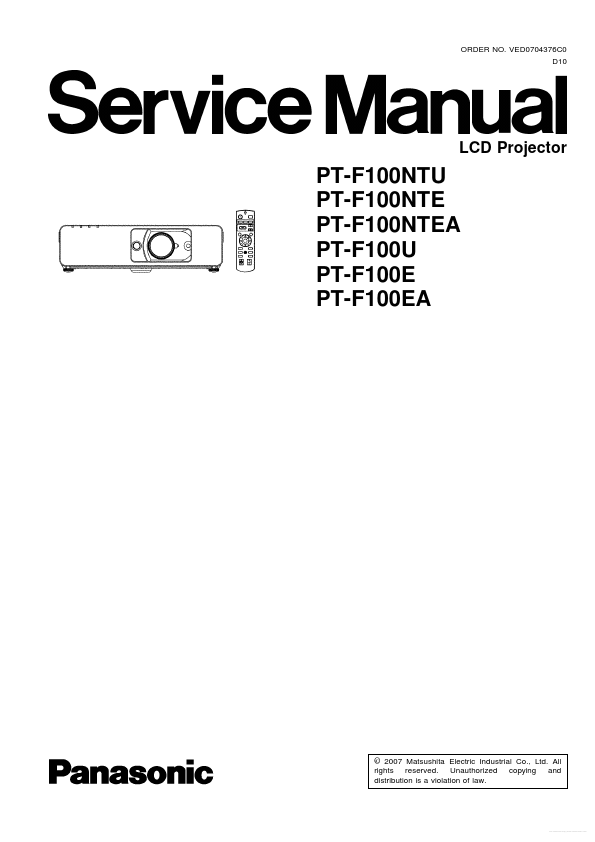
PT-F100NTU - LCD Projector Service Manual

Key Features

  • OPTION Press "MENU" button on the main unit or remote control unit. 3 Self-Check Mode This mode is used to narrow down the location of the failure. 3.1. Procedure to enter the self-check mode Select "SELF CHECK" on "EXT O.

📥 Download Datasheet

Full PDF Text Transcription for PT-F100NTU (Reference)

Note: Below is a high-fidelity text extraction (approx. 800 characters) for PT-F100NTU. For precise diagrams, and layout, please refer to the original PDF.

ORDER NO. VED0704376C0 D10 LCD Projector PT-F100NTU PT-F100NTE PT-F100NTEA PT-F100U PT-F100E PT-F100EA © 2007 Matsushita Electric Industrial Co., Ltd. All rights reserved...

View more extracted text
EA © 2007 Matsushita Electric Industrial Co., Ltd. All rights reserved. Unauthorized copying and distribution is a violation of law. Free Datasheet http://www.Datasheet4U.com PT-F100NTU / PT-F100NTE / PT-F100NTEA / PT-F100U / PT-F100E / PT-F100EA 2 Free Datasheet http://www.Datasheet4U.com PT-F100NTU / PT-F100NTE / PT-F100NTEA / PT-F100U / PT-F100E / PT-F100EA 3 Free Datasheet http://www.Datasheet4U.com PT-F100NTU / PT-F100NTE / PT-F100NTEA / PT-F100U / PT-F100E / PT-F100EA CONTENTS Page 1 Safety Precautions 1.1. General Guidelines 1.2. Leakage Current Check 1.3. UV Precaution and UHM Lamp Precautions 2 Ext Option 2.1. Pro