Philips 107P
This is included with this product.| Part No. | 107P |
|---|---|
| Datasheet | 107P Download |
| Manufacturer |  Philips Philips |
| Description | User manual |
| Buy | Stock & Price |
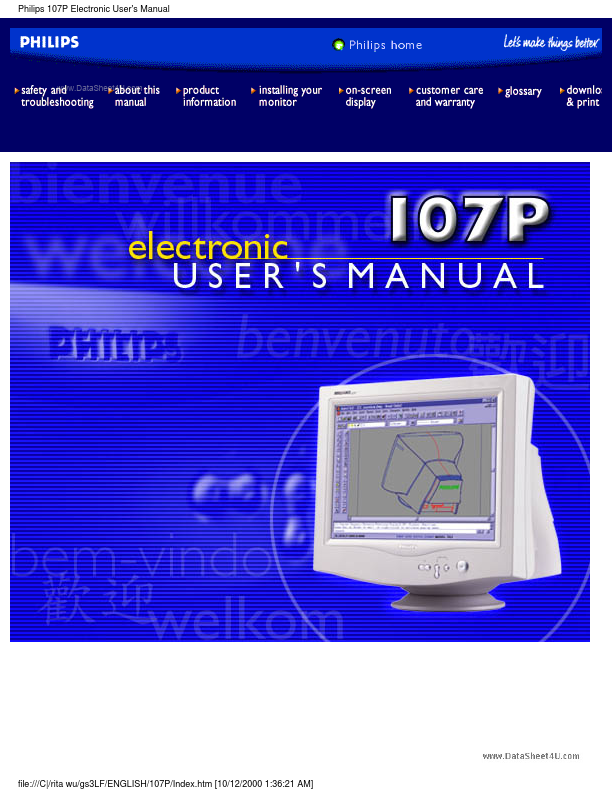
Philips 107P Electronic User's Manual file:///C|/rita wu/gs3LF/ENGLISH/107P/Index.htm [10/12/2000 1:36:21 AM] Safety & Troubleshooting Safety and Troubleshooting Information Safety Precautions and Maintenance
● Troubleshooting
● Regulatory Information
● Other Related Information Safety precautions and maintenance WARNING: Use of controls, adjustments, or procedures other than those specified in this documentation may result in exposure to shock, electrical hazards, and/or mechanical hazards. Read and follow these instructions when connecting and using your computer monitor: q Disconnect the monitor from the power supply if the monitor is not to be used for an extended period of time. q q q q q Do not attempt to remove the back cover, as you will be exposed to a shock hazard. The back cover should only be removed by qualified service personnel. Do not place objects on top of the monitor cabinet, objects could fall into vents or cover them and prevent proper cooling of the monitor's electronic devices.
● Troubleshooting
● Regulatory Information
● Other Related Information Safety precautions and maintenance WARNING: Use of controls, adjustments, or procedures other than those specified in this documentation may result in exposure to shock, electrical hazards, and/or mechanical hazards. Read and follow these instructions when connecting and using your computer monitor: q Disconnect the monitor from the power supply if the monitor is not to be used for an extended period of time. q q q q q Do not attempt to remove the back cover, as you will be exposed to a shock hazard. The back cover should only be removed by qualified service personnel. Do not place objects on top of the monitor cabinet, objects could fall into vents or cover them and prevent proper cooling of the monitor's electronic devices.