Datasheet4U Logo Datasheet4U.com

MX610 - Operator and Installation Manual

Datasheet Summary

Description

PAGE key: Brings up different screen page every time this key is pressed or to change tab in the settings and tools menu.

2 MENU key: Brings up the quick menu dialog box.

PWR/LIGHT key Short press - to turn ON the unit.

Features

  • that are included in the new software for the GN70, MX610, MX612, MX610JB and MX612JB that are not included in the original manuals or other documentation. Feature GN70 MX610 MX612 Refer GPS /.

📥 Download Datasheet

Datasheet preview – MX610

Datasheet Details

Part number MX610
Manufacturer SIMRAD
File Size 4.81 MB
Description Operator and Installation Manual
Datasheet download datasheet MX610 Datasheet
Additional preview pages of the MX610 datasheet.
Other Datasheets by SIMRAD

Full PDF Text Transcription

Click to expand full text
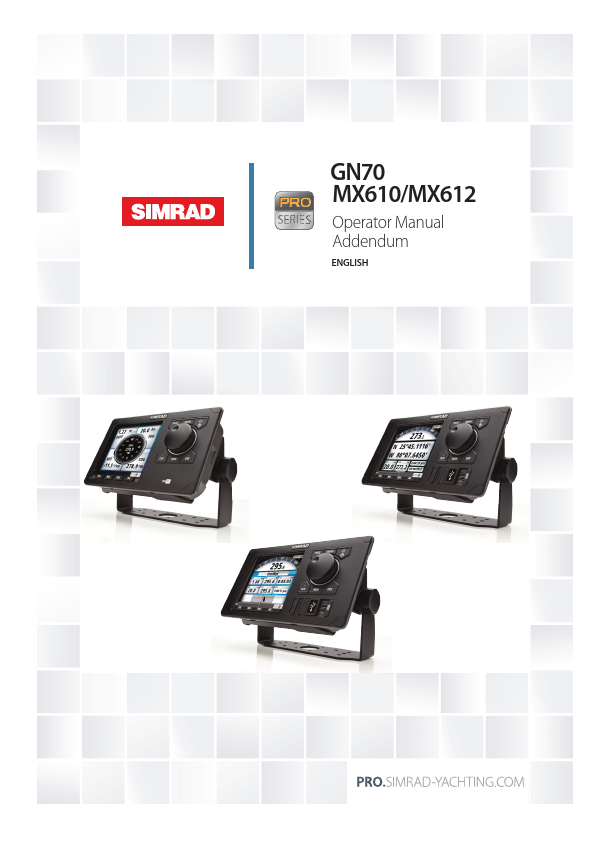
GN70 MX610/MX612 Operator Manual Addendum ENGLISH Addendum for GN70/MX61x CDU and MX61xJB junction box software updates This addendum documents new features that are included in the new software for the GN70, MX610, MX612, MX610JB and MX612JB that are not included in the original manuals or other documentation. Feature GN70 MX610 MX612 Refer GPS / GLONASS mode indicator Yes Yes Yes Sec. 1: Introduction Page 7 GPS/GPS+GLONASS selector Yes Yes Yes Sec. 1: Introduction Page 7 Setting the antenna port (port 3) baud rate Yes Yes Yes Sec. 5: System Configuration - Page 10 NMEA 0183 output over junction box Yes Yes Yes Sec. 5: System Configuration - Page 16 Determine unit’s software version Yes Yes Yes Sec.
Published: |