
LA22A450
Description
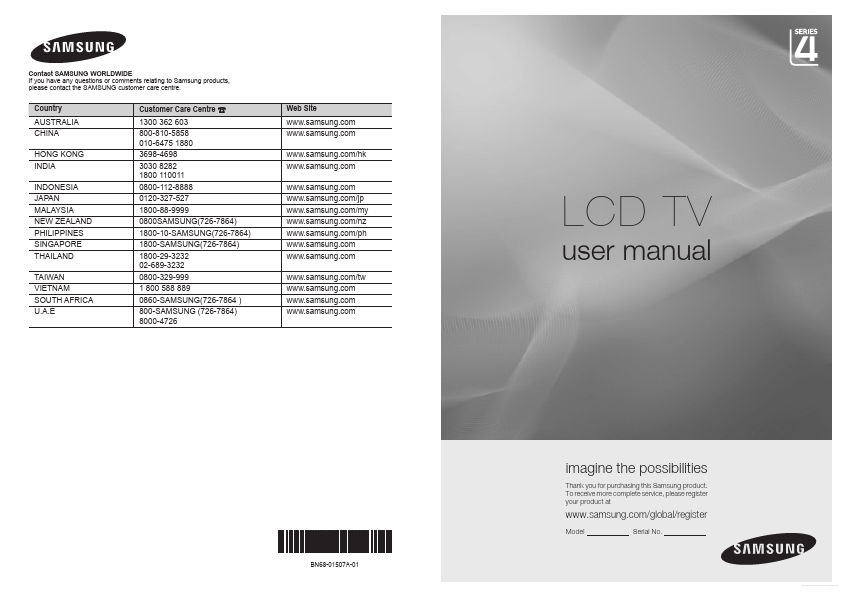
Contact SAMSUNG WORLDWIDE If you have any questions or comments relating to Samsung products, please contact the SAMSUNG customer care centre. Country AUSTRALIA CHINA HONG KONG INDIA INDONESIA JAPAN ...

Contact SAMSUNG WORLDWIDE If you have any questions or comments relating to Samsung products, please contact the SAMSUNG customer care centre. Country AUSTRALIA CHINA HONG KONG INDIA INDONESIA JAPAN ...