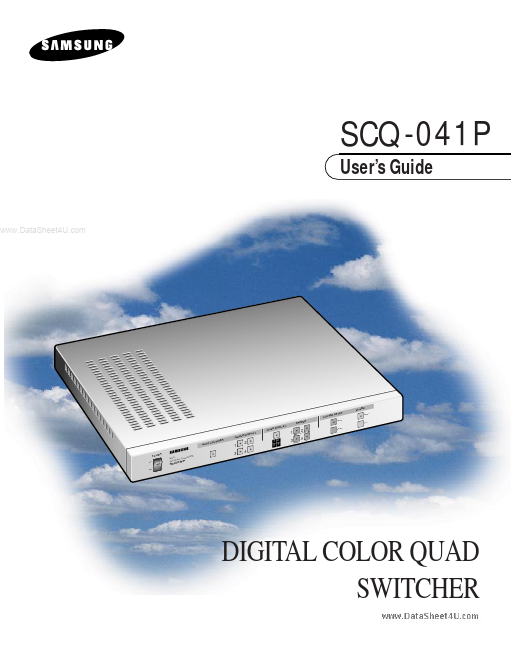
SCQ-041P
SCQ-041P is User Guide manufactured by Samsung Semiconductor.
User’s Guide
..
ALAR SYST ZE FREE QUAD SING AUTO SWIT CHER LE LAY DISP DISP LAY EM SE TUP
RESET
SETUP LIST
1 2 3 4
CHAR
2 TER
ENTER
1 3
2 4
3 SELECT
MENU
L DIGITA QUAD SWITC R COLO P
-041
DIGITAL COLOR QUAD SWITCHER
SAFETY PRECAUTIONS
WARNING:
To Reduce the risk of fire or electric shock, do not expose this appliance to rain or moisture.
.. iii
User’s Guide
IMPORTANT SAFEGUARDS
1. Read instructions: All the safety and operating instructions should be read before the appliance is operated. 2. Retain instructions: The safety and operating instructions should be retained for future reference. 3. Heed warnings: All warnings on the appliance and in the operating instructions should be adhered to. 4. Follow instructions: All operating and use instructions should be followed. 5. Cleaning: Unplug this video product from the wall outlet before cleaning. Do not use liquid cleaners or aerosol cleaners. Use a damp cloth for cleaning. 6. Attachments: Do not use attachments not remended by the video product manufacturer as they may cause hazards. 7. Water and moisture: Do not use this video product near water
- for example, near a bath tub, wash bowl, kitchen sink, or laundry tub, in a wet basement, or near a swimming pool, and the like.
.. iv
..
8. Accessories : Do not place this video product on an unstable cart, stand, tripod, bracket, or table. The video product may fall, causing serious injury to a child or adult, and serious damage to the appliance. Use only with a cart, stand, tripod, bracket, or table remended by the manufacturer, or sold with the video product. Any mounting of the appliance should follow the manufacturer's instructions and should use a mounting accessory remended by the manufacturer. 8A. An appliance and cart bination should be moved with care. Quick stops, excessive force, and uneven surfaces may cause the appliance and cart bination to overturn. 9. Ventilation : Slots and openings in...