Samsung TS-H552B
User Manual
| Part No. | TS-H552B |
|---|---|
| Datasheet | TS-H552B Download |
| Manufacturer |  Samsung Samsung |
| Description | User Manual |
| Buy | Stock & Price |
FEATURES
Exterior System RequirementsFEATURES
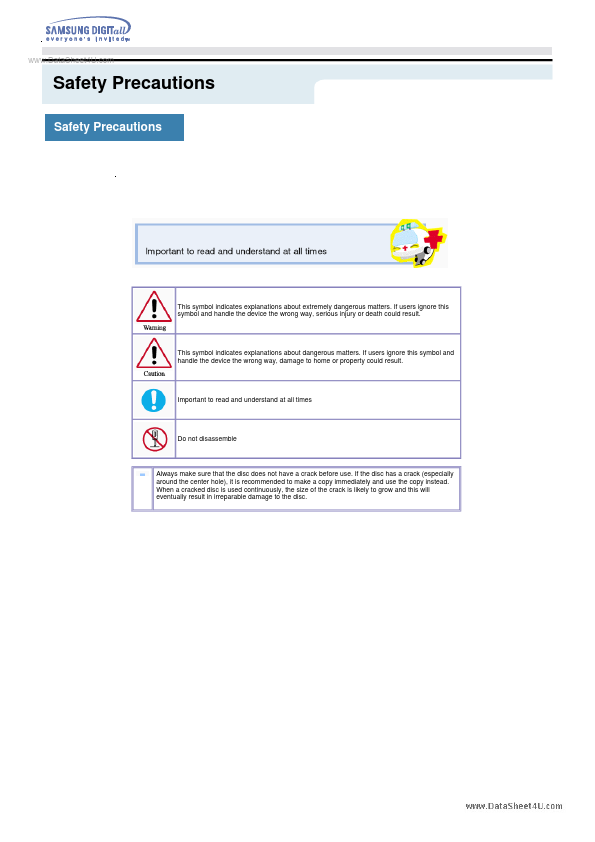
Installing DVD R±RW Drive and Connecting Cables Installing Drive Connecting Cables Installing Device Driver and Confirming The Installation Firmware Update Confirming the Installation of Device Driver Installing the MS-DOS device driver How To Use The DVD R±RW Drive How to Use the Drive How to Use DVD R±RW and Other Discs MAGIC SPEED Storing/Cleaning Drive and Disc Cleaning the Drive Storing the Disc Cleaning the Disc When the on/off Light Blinks Deleting Utilities Troubleshooting Troubleshooting Caution: Possible Errors Product Specifications Safety Precautions Safety Precautions This symbol indicates explanations about extremely dangerous matters. If users ignore this symbol and handle the device the wrong way, serious injury or death could result. This symbol indicates explanations about dangerous matters. If users ignore this symbol and handle the device the wrong way, damage to home or property could result. Important to read and understand at all times Do not disassemble Always make sure that the disc does not have a crack before use.