K810A
K810A is Sony Ericsson manufactured by Sony Semiconductor Solutions.
Contents
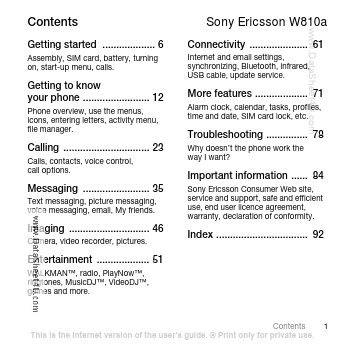
Getting started ................... 6
Assembly, SIM card, battery, turning on, start-up menu, calls.
Sony Ericsson W810a
Connectivity ..................... 61
Internet and email settings, synchronizing, Bluetooth, infrared, USB cable, update service.
..
Getting to know your phone ........................ 12
Phone overview, use the menus, icons, entering letters, activity menu, file manager.
More Features
................... 71
Alarm clock, calendar, tasks, profiles, time and date, SIM card lock, etc.
Troubleshooting ............... 78
Why doesn’t the phone work the way I want?
Calling ............................... 23
Calls, contacts, voice control, call options.
Important information ...... 84
Sony Ericsson Consumer Web site, service and support, safe and efficient use, end user licence agreement, warranty, declaration of conformity.
Messaging ........................ 35
Text messaging, picture messaging, voice messaging, email, My friends.
Imaging ............................. 46
Camera, video recorder, pictures.
Index ................................. 92
Entertainment ................... 51
WALKMAN™, radio, Play Now™, ringtones, Music DJ™, Video DJ™, games and more.
Contents This is the Internet version of the user's guide. © Print only for private use.
Sony Ericsson
GSM 850/900/1800/1900 This user guide is published by Sony Ericsson, without any warranty. Improvements and changes to this user guide necessitated by typographical errors, inaccuracies of current information, or improvements to programs and/or equipment, may be made by Sony Ericsson at any time and without notice. Such changes will, however, be incorporated into new editions of this user guide. All rights reserved. © Sony Ericsson Mobile munications AB, 2005 Publication number: AE/LZT 108 8373 R1A Please note: Some of the services in this user guide are not supported by all networks. This also applies to the GSM International Emergency Number 112. Please...