RM-V211T
RM-V211T is manufactured by Sony Semiconductor Solutions.
3-230-684-11(1)
Remote mander
Operating Instructions Mode d’emploi (au verso)
Sony Corporation © 2001 Printed in Malaysia
Setting by Searching for the Correct Code
If you’ve tried all the code numbers listed for your ponent and you still cannot get the mander to work (or if your ponent was not listed), try the following.
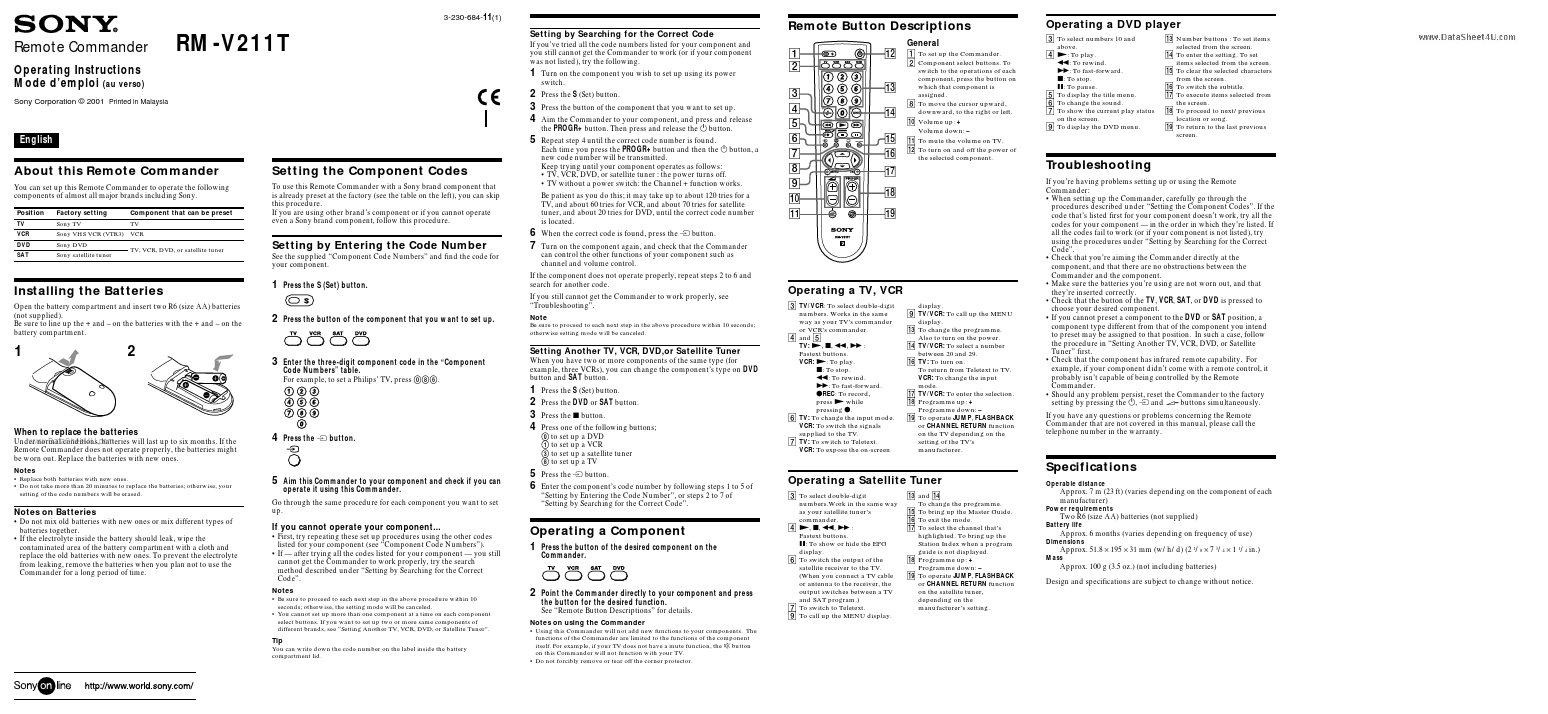
Remote Button Descriptions
General
Operating a DVD player
3 To select numbers 10 and above. 4 N: To play. m: To rewind. M: To fast-forward. x: To stop. X: To pause. 5 To display the title menu. 6 To change the sound. 7 To show the current play status on the screen. 9 To display the DVD menu. qd Number buttons : To set items selected from the...