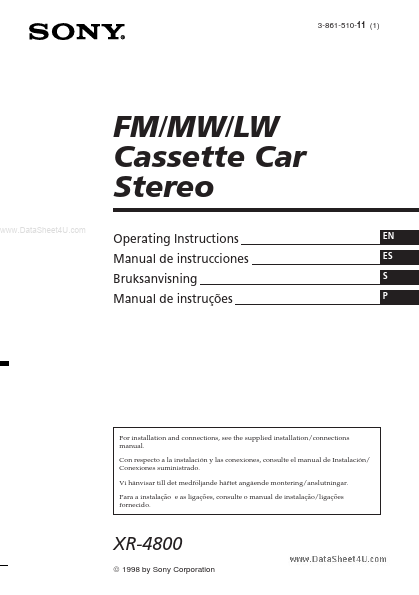
XR4800
XR4800 is Cassette Car Stereo manufactured by Sony Semiconductor Solutions.
features by using an optional rotary mander.
..
Table of contents
Getting Started
Resetting the unit 4 Detaching the front panel 4 Setting the clock 5
Additional Information
Precautions 9 Maintenance 10 Dismounting the unit 11 The rotary mander labels 11 Location of controls 12 Specifications 13 Troubleshooting guide 14 Index 15
Cassette Player
Listening to a tape 5 Playing a tape in various modes 6
Radio
Memorising stations automatically
- Best Tuning Memory (BTM) 7 Memorising only the desired stations 7 Receiving the Memorised stations 7
Other Functions
.. Attenuating the sound 8
Changing the sound and beep tone 8 Adjusting the sound characteristics 8
Attaching the front panel
Getting Started
Resetting the unit
Before operating the unit for the first time or after replacing the car battery, you must reset the unit. Press the reset button with a pointed object, such as a ballpoint pen.
Attach part A of the front panel to part B of the unit as illustrated and push until it clicks.
Reset button Note Pressing the reset button will erase all the Memorised programme and memory functions. ..
Detaching the front panel
The front panel of this unit can be detached to prevent the unit from being stolen.
Notes
- Make sure the...