SteppIR SDA100
Controller Operators Manual
| Part No. | SDA100 |
|---|---|
| Datasheet | SDA100 Download |
| Manufacturer | SteppIR |
| Description | Controller Operators Manual |
| Buy | Stock & Price |
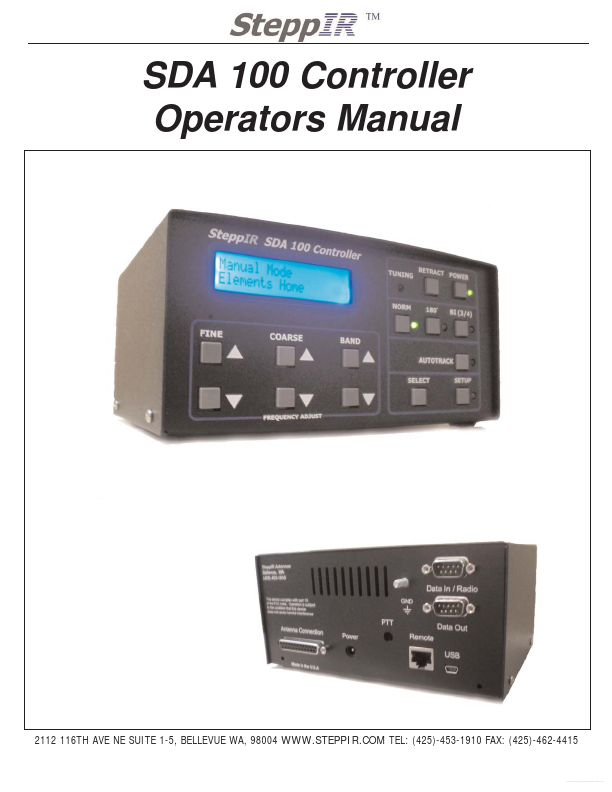
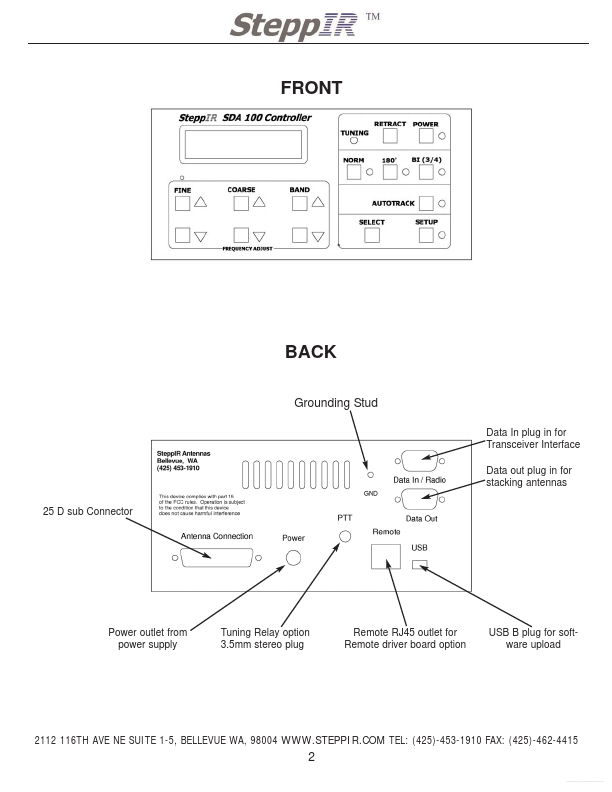
SDA 100 Controller Operators Manual 2112 116TH AVE NE SUITE 1-5, BELLEVUE WA, 98004 TEL: (425)-453-1910 FAX: (425)-462-4415 Free Datasheet 12/12/2008 Rev 2 WARNINGS The controller has voltage present on the control cable wires, even when the power button has been pushed to “Off”. Unplug the power supply and disconnect the 25-pin D-sub connector before making any connections or cutting or splicing the cable wires. If the controller has power and the control cable wires short out, this will damage the driver chips inside the controller. We HIGHLY recommend that you ground the chassis of the controller to your station ground. When operating with over 200 watts, it is important that you do not transmit while the antenna is adjusting. CONNECTING CONTROLLER Once you have connected the power cord to the controller and plugged the other end of the cord into the power outlet (the universal power supply can accept 100 - 240 volts AC, 50-60Hz), turn on the controller and then check that the screen display shows “Manual Mode, Elements Home”.