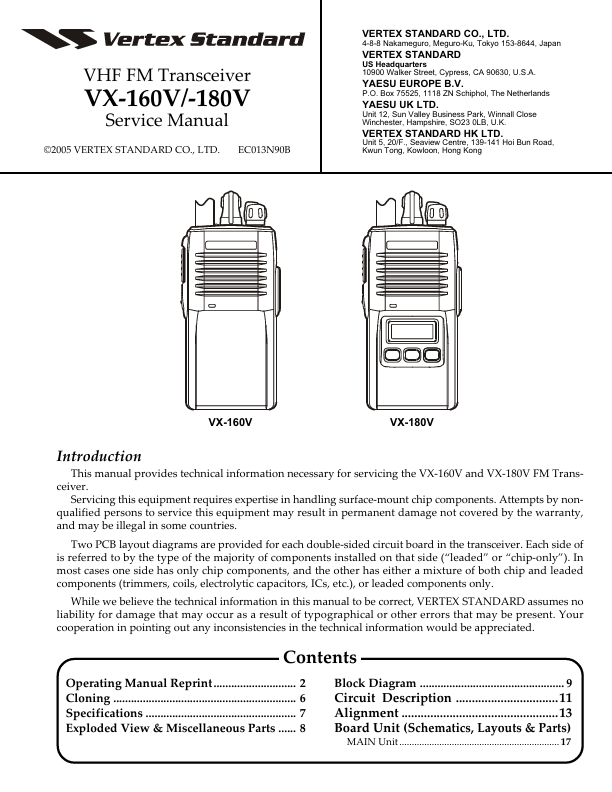
VX-160V
Description
11 Alignment 13 Board Unit (Schematics, Layouts & Parts)
MAIN Unit 17
1 datasheet pdf
- http://..net/
Operating Manual Reprint
Controls & Connectors
LED Indicator
Glows Green Blinking Green Glows Red Blinking Red Blinking Yellow Monitor on Busy Channel (or SQL off) Transmitting Battery Voltage is low Receiving a Selective Call
Before You Begin
Battery Pack Installation and Removal
U To install the battery, hold the transceiver with your left hand, so your palm is over the speaker and your thumb is on the top of the belt clip. Insert the battery pack into the battery partment on the back of the radio while tilting the Belt Clip outward, then close the Battery Pack Latch until it locks in place with a “Click.”
Antenna
CH (Channel) Selector VOL/PWR Knob
Push To Talk (PTT) Switch
MIC/SP Jack (External Mic/Earphone)
Monitor...