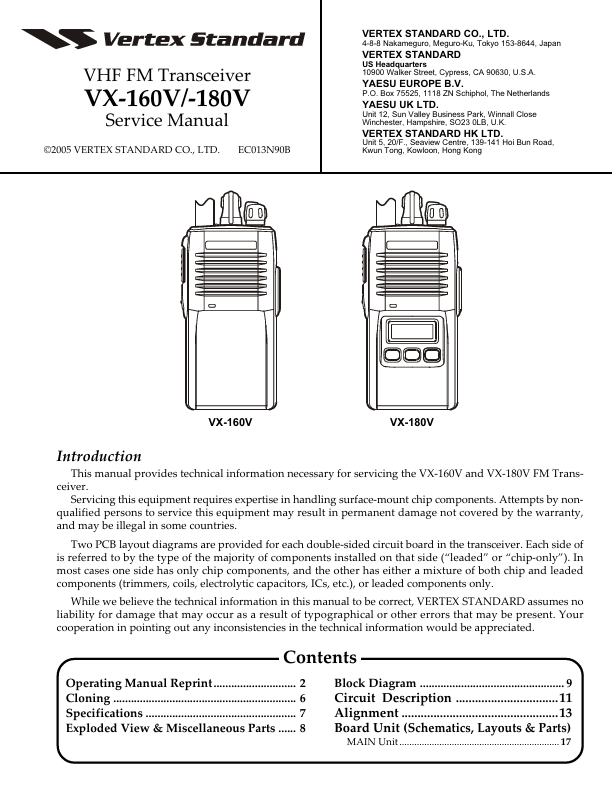
DESCRIPTION
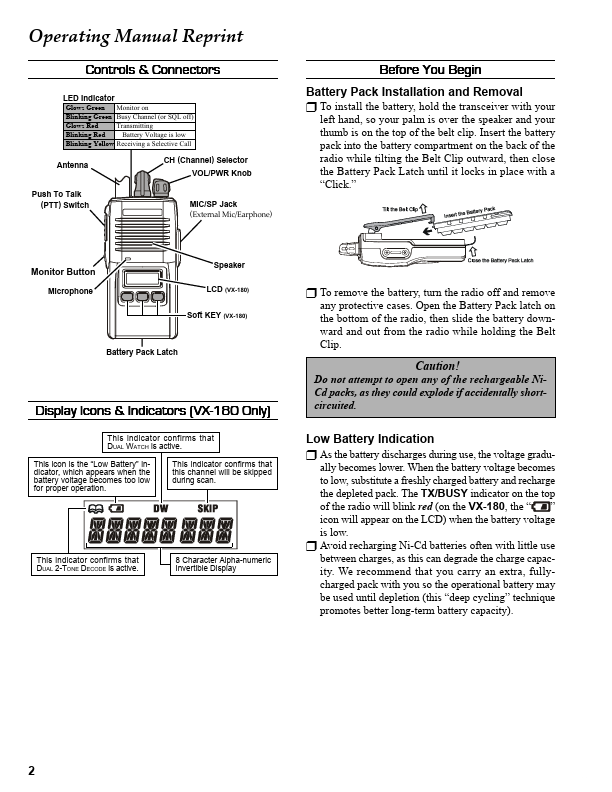
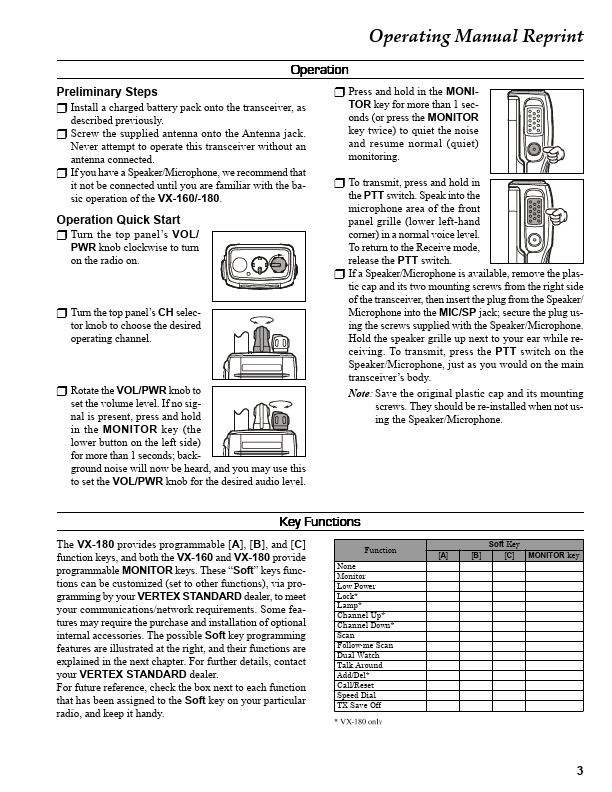
................................11 Alignment .................................................13 Board Unit (Schematics, Layouts & Parts) MAIN Unit ................................................................ 17 1 datasheet pdf - Operating Manual Reprint Controls & Connectors LED Indicator Glows Green Blinking Green Glows Red Blinking Red Blinking Yellow Monitor on Busy Channel (or SQL off) Transmitting Battery Voltage is low Receiving a Selective Call Before You Begin Battery Pack Installation and Removal U To install the battery, hold the transceiver with your left hand, so your palm is over the speaker and your thumb is on the top of the belt clip. Insert the battery pack into the battery compartment on the back of the radio while tilting the Belt Clip outward, then close the Battery Pack Latch until it locks in place with a “Click.” Antenna CH (Channel) Selector VOL/PWR Knob Push To Talk (PTT) Switch MIC/SP Jack (External Mic/Earphone) Monitor Button Microphone Speaker LCD (VX-180) Soft KEY (VX-180) Battery Pack Latch U To remove the battery, turn the radio off and remove any protective cases.