Datasheet4U Logo Datasheet4U.com

PT-L711XU - Quick Start Reference Sheet

Description

of this projector driver prior to installation.

I.

Features

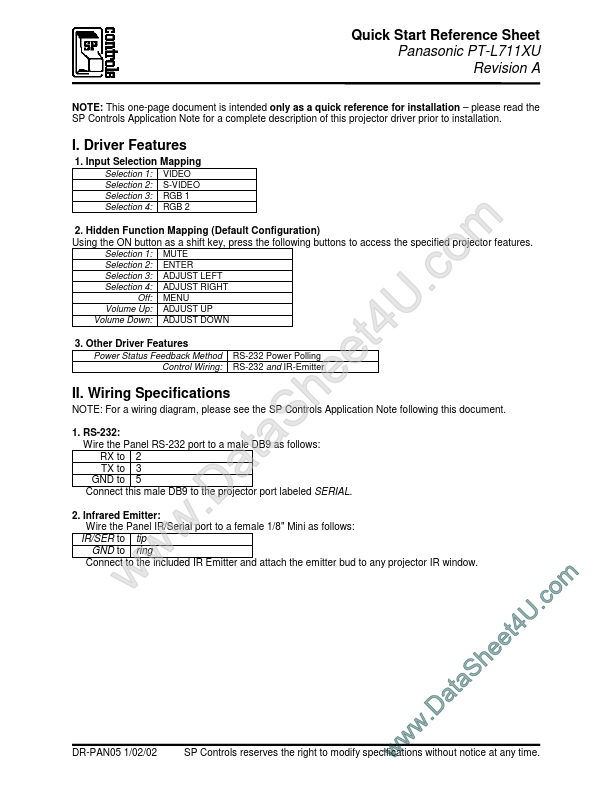
  • 1. Input Selection Mapping Selection 1: Selection 2: Selection 3: Selection 4: VIDEO S-VIDEO RGB 1 RGB 2 2. Hidden Function Mapping (Default Configuration) Using the ON button as a shift key, press the following buttons to access the specified projector features. Selection 1: Selection 2: Selection 3: Selection 4: Off: Volume Up: Volume Down: MUTE ENTER ADJUST LEFT ADJUST RIGHT MENU ADJUST UP ADJUST DOWN 3. Other Driver Features Power Status Feedback Method Control Wiring: II. Wiring Specifi.

📥 Download Datasheet

Datasheet preview – PT-L711XU

Datasheet Details

Part number PT-L711XU
Manufacturer Panasonic
File Size 79.34 KB
Description Quick Start Reference Sheet
Datasheet download datasheet PT-L711XU Datasheet
Additional preview pages of the PT-L711XU datasheet.
Other Datasheets by Panasonic

Full PDF Text Transcription

Click to expand full text
Quick Start Reference Sheet Panasonic PT-L711XU Revision A NOTE: This one-page document is intended only as a quick reference for installation – please read the SP Controls Application Note for a complete description of this projector driver prior to installation. I. Driver Features 1. Input Selection Mapping Selection 1: Selection 2: Selection 3: Selection 4: VIDEO S-VIDEO RGB 1 RGB 2 2. Hidden Function Mapping (Default Configuration) Using the ON button as a shift key, press the following buttons to access the specified projector features. Selection 1: Selection 2: Selection 3: Selection 4: Off: Volume Up: Volume Down: MUTE ENTER ADJUST LEFT ADJUST RIGHT MENU ADJUST UP ADJUST DOWN 3. Other Driver Features Power Status Feedback Method Control Wiring: II.
Published: |