The following content is an automatically extracted verbatim text
from the original manufacturer datasheet and is provided for reference purposes only.
View original datasheet text
INSTRUCTIONS
www.DataSheet4U.com
ENGLISH
LYT0880-001C
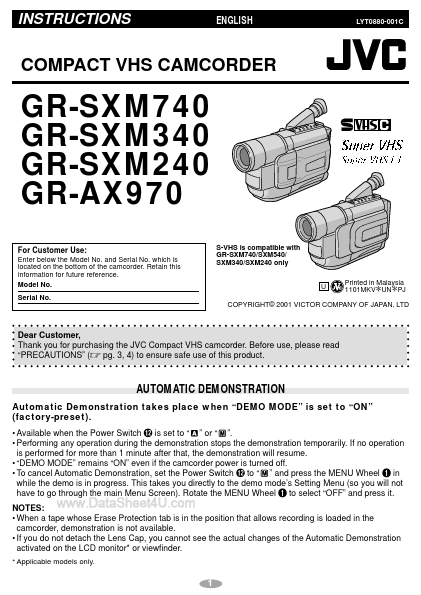
COMPACT VHS CAMCORDER
GR-SXM740 GR-SXM340 GR-SXM240 GR-AX970
For Customer Use:
Enter below the Model No. and Serial No. which is located on the bottom of the camcorder. Retain this information for future reference. Model No. Serial No. S-VHS is compatible with GR-SXM740/SXM540/ SXM340/SXM240 only
U Printed in Malaysia 1101MKV UN PJ
* *
COPYRIGHT© 2001 VICTOR COMPANY OF JAPAN, LTD
Dear Customer, Thank you for purchasing the JVC Compact VHS camcorder. Before use, please read “PRECAUTIONS” (੬ pg. 3, 4) to ensure safe use of this product.
AUTOMATIC DEMONSTRATION
Automatic Demonstration takes place when “DEMO MODE” is set to “ON” (factory-preset).
• Available when the Power Switch @ is set to “ ” or “ ”.

 GR-SXM240 Datasheet